Key Takeaways
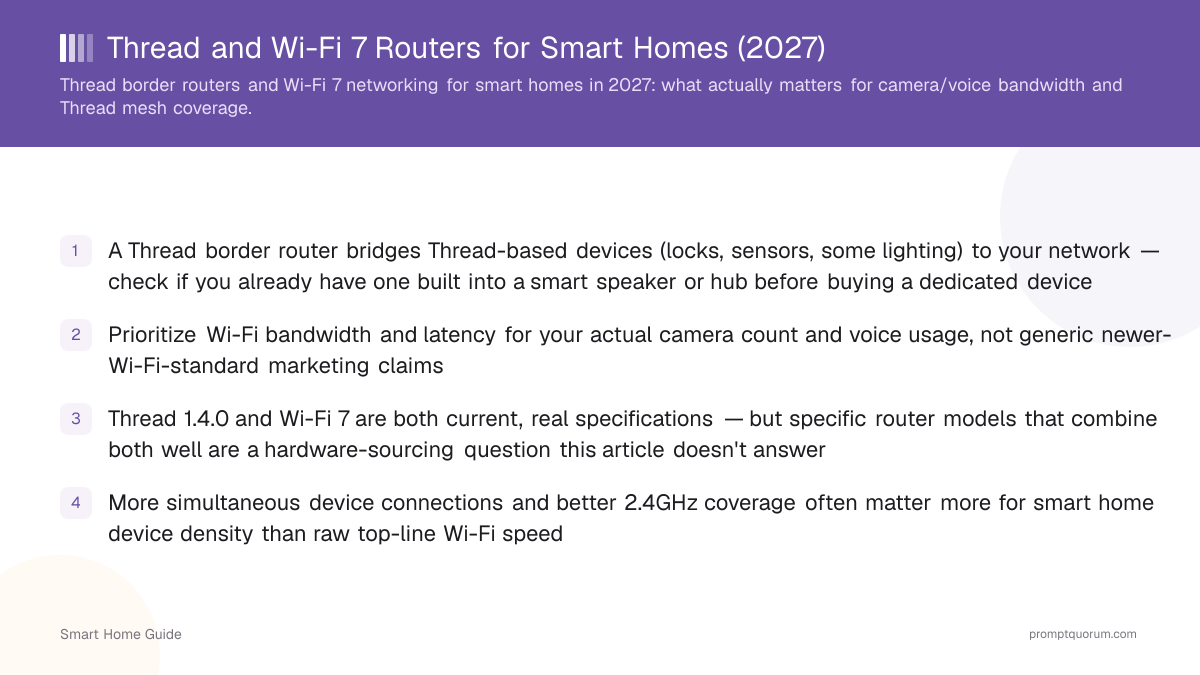
- A Thread border router bridges Thread devices (locks, sensors, some lighting) to your network. Check your speakers, displays, Apple TV and hubs before buying a dedicated one.
- Wi-Fi 7 and Thread are independent: the eero 7 line and Google Nest Wifi Pro are listed as Thread border routers, but a Wi-Fi 7 label alone does not guarantee Thread support.
- Thread 1.4 border routers must support credential sharing, so border routers from different brands can join one Thread network. Border routers certified since 1 January 2026 follow Thread 1.4.
- For smart home Wi-Fi, bandwidth for cameras, low latency and 2.4 GHz coverage matter more than the peak speed on the box.
- Wi-Fi 8 (802.11bn) is not ratified; the standard is expected around 2028, so Wi-Fi 7 remains the current choice.
What a Thread Border Router Does
A Thread border router connects your Thread devices to your home network and the internet, and it is often already inside a smart speaker, display, streamer, hub or mesh Wi-Fi system you own.
- Thread is a low-power mesh protocol on the 2.4 GHz radio band, separate from Wi-Fi. Thread devices cannot reach your phone or Home Assistant without a border router.
- Several border routers on one network extend mesh coverage and add redundancy, so a second one in another part of the home generally improves reliability.
- Thread 1.4.0 (September 2024) is the current specification and, since 1 January 2026, the only version new Thread Border Routers can be certified against, per the Thread Group.
- A border router does not need Wi-Fi 7: Thread runs on its own radio, so an older Wi-Fi generation with a border router works as well for Thread devices.
Which Devices Are Thread Border Routers
Border routers come from five device families: mesh Wi-Fi systems, smart speakers and displays, streamers, smart home hubs and DIY boards. The list below follows the Matter Alpha border router directory, updated October 2026; it does not state the Thread version of each product, so check the vendor's page for Thread 1.4.
- Several eero models are listed, including the Wi-Fi 6 and 6E generations; verify your exact model on eero's support page.
- If your Thread devices already work through a speaker or Apple TV, a Wi-Fi 7 upgrade will not add anything for them.
Device family | Examples | Note |
|---|---|---|
| Mesh Wi-Fi systems | eero 7, Pro 7, Max 7, Outdoor 7 | Wi-Fi 7 |
| Mesh Wi-Fi systems | Google Nest Wifi Pro | Wi-Fi 6E |
| Speakers and displays | Echo (4th gen), Echo Show 8/11, Nest Hub | Often already owned |
| Apple devices | HomePod mini, HomePod (2nd gen), Apple TV 4K | Apple TV: Ethernet model for 3rd gen |
| Streamers | Google TV Streamer (4K) | Plugs into the TV |
| Smart home hubs | SmartThings Station, Aqara Hub M3, IKEA DIRIGERA | Hub also runs Matter |
| DIY and Home Assistant | Home Assistant Green, Connect ZBT-2 | Open source OpenThread |
What Thread 1.4 Changes
Thread 1.4 makes credential sharing mandatory, so border routers from different brands can join one Thread network instead of each creating its own.
- Credential sharing lets a new border router or device join an existing Thread network without creating a new one, which the Thread 1.4 specification requires of every certified border router, as Espressif explains.
- Rollout is uneven: SmartThings hubs have been upgraded to Thread 1.4 with credential sharing, and Home Assistant's OpenThread border router added Thread 1.4 as a beta, but not every product has an update.
- Existing border routers need a software update or replacement to gain Thread 1.4 features, according to Thread Group president Vividh Siddha; Matter 1.4 also added a Home Router and Access Point (HRAP) device type for routers that include Thread.
- Until your border routers all support Thread 1.4, mixing brands can still leave you with separate Thread networks, so prefer same-brand border routers or confirm 1.4 support before adding another.
What Your Wi-Fi Actually Needs
Camera streams (especially several 4K cameras via Frigate) and responsive voice assistants need consistent bandwidth and low latency more than they need the newest Wi-Fi generation number on a spec sheet.
- Local camera detection (see the local AI security camera guide) sends video to your Frigate box over the local network. This load benefits from more real-world bandwidth, especially with several cameras, and wired cameras avoid Wi-Fi entirely.
- Voice assistant responsiveness depends more on your local hub's processing (see the local voice assistant guide) than on raw Wi-Fi throughput, though a congested network adds latency to everything.
- Wi-Fi 7 (802.11be) adds 320 MHz channels and multi-link operation, which mainly help many simultaneous clients and high-bandwidth devices. For a typical camera and voice load, a well-configured Wi-Fi 6 or 6E system can be enough; treat advertised throughput as a ceiling, not a guaranteed gain.
- Entry-level Wi-Fi 7 mesh systems can be dual-band (2.4 and 5 GHz) with no 6 GHz radio, so check the band list instead of the generation label.
How to Choose a Wi-Fi 7 Mesh System
Choose a mesh system by Thread support, wired backhaul, band count and client limits, in that order, rather than by the headline speed rating.
- Thread border router: confirm it on the vendor's support page and check whether the Thread version is stated. eero 7-series systems are listed; many other brands are not.
- Backhaul: Ethernet between nodes, or a dedicated tri-band wireless backhaul, keeps node-to-node traffic off the channel your cameras use.
- Bands: a 6 GHz radio helps cameras and laptops; sensors stay on 2.4 GHz, so 2.4 GHz coverage in every room matters more for them.
- Client limit: homes with many plugs, bulbs and sensors should check the stated simultaneous-device limit.
- Ongoing cost: some eero features sit behind the paid eero Plus subscription, so check what the base system includes.
- Existing hardware: if a speaker, Apple TV or hub already acts as your Thread border router, you can choose the Wi-Fi system purely on Wi-Fi merits.
Why Not to Wait for Wi-Fi 8
Wi-Fi 8 (IEEE 802.11bn) is not ratified and is expected around 2028, so Wi-Fi 7 is the current generation to buy.
- Draft-based Wi-Fi 8 chips were announced at CES 2026, and early routers built on the draft have been reported, but early adopters will likely need firmware updates after ratification.
- Wi-Fi 8 targets reliability and latency rather than higher peak speed, and keeps the same bands and 320 MHz width as Wi-Fi 7; Wi-Fi Alliance certification is expected around the end of 2027.
- Thread is not tied to the Wi-Fi generation, so a Thread border router bought today keeps working after a later Wi-Fi upgrade.
What to Ignore in Marketing
A router's theoretical maximum throughput is rarely the bottleneck in a smart home: device density, 2.4 GHz coverage for battery-powered sensors and simultaneous-connection limits usually matter more.
- Most individual smart home sensors and battery-powered devices use 2.4 GHz Wi-Fi or a separate protocol (Zigbee, Thread) entirely, so a router's 6 GHz or newest-standard speed rarely affects them directly.
- Check a router's stated simultaneous-connected-device limit if you have many smart plugs, sensors and other IoT devices; this practical limit matters more than theoretical throughput for most smart homes.
- "Smart home ready" or "Matter ready" on a router box does not tell you whether it is a Thread border router; look for Thread border router in the specification or on the vendor's support page.
- Independent reviews, not manufacturer speed ratings, show real-world performance; PromptQuorum has not tested the products named in this guide.
Frequently Asked Questions
Does a Wi-Fi 7 router include a Thread border router?
Not automatically. Wi-Fi 7 describes the Wi-Fi radio, while a Thread border router needs a separate Thread radio and software. The eero 7 line is listed as Thread border routers, but you should confirm the Thread border router feature on the spec sheet of any router you consider.
Which routers can act as a Thread border router?
Mesh systems listed as Thread border routers include the eero 7, Pro 7, Max 7 and Outdoor 7 and the Google Nest Wifi Pro. Many people already have one in a smart speaker, display, HomePod, Apple TV 4K, Google TV Streamer or hub, so check those first.
Do I need a separate Thread border router device?
Often not, because many existing smart speakers, streamers and hubs already include one. Check your current hardware's specifications before buying a dedicated device.
What is Thread 1.4 and do I need to replace my border router?
Thread 1.4 requires border routers to support credential sharing so that devices from different brands can join one Thread network. Existing border routers need a software update to gain Thread 1.4 features and may need replacement if the maker does not provide one. Border routers certified since 1 January 2026 follow Thread 1.4.
How many Thread border routers should I have?
More than one, in different areas of your home, generally improves mesh reliability because they cooperate rather than conflict. With Thread 1.4 and credential sharing, border routers from different brands can join the same network.
Does a faster Wi-Fi standard actually help my smart home?
It helps mainly for camera streaming bandwidth if you run several high-resolution cameras and for networks with many simultaneous clients. For most individual sensors and smart plugs on 2.4 GHz or Zigbee/Thread, the newest Wi-Fi generation makes little practical difference.
Should I wait for Wi-Fi 8 before buying a router?
Usually not. Wi-Fi 8 (802.11bn) is not ratified and is expected around 2028. It targets reliability and latency rather than higher peak speed, and Thread border routers work independently of the Wi-Fi generation.
What actually limits smart home network performance?
More often device density (how many IoT devices are connected simultaneously) and 2.4 GHz coverage than top-line Wi-Fi speed. Check your router's simultaneous-connection limit if you have many smart plugs and sensors.
Should I buy a mesh Wi-Fi system for a smart home?
A mesh system can help with whole-home 2.4 GHz coverage for battery-powered sensors, which matters more for device reliability than raw speed. Check whether each mesh node also acts as a Thread border router if that matters to you.
Is Thread the same as Wi-Fi?
No. Thread is a separate low-power mesh protocol, distinct from Wi-Fi. A Thread border router is the bridge between the two. See the general protocol primer for the full comparison.
Do all my smart home devices need Thread?
No. Many devices still use Zigbee, Z-Wave or Wi-Fi directly. Thread is one of several protocols in use; see the general protocol primer for which devices typically use which.
Sources
- Matter Alpha: Thread border routers, the complete list (device families, October 2026)
- Thread Group (Thread 1.4.0 specification and certification)
- Espressif: Thread credential sharing (mandatory for Thread 1.4 border routers)
- Matter Alpha: SmartThings hubs upgrade to Thread 1.4
- Matter Alpha: Home Assistant upgrades OpenThread border router to 1.4 in beta
- Matter-Smarthome.de: The Matter standard 2025 (Matter 1.4, HRAP device type)
- Wikipedia: Wi-Fi 8 and TechSpot: Wi-Fi 8 at CES 2026 (802.11bn timeline)
- eero: What is Thread? (eero Thread border router support)