What Is shell-gpt?
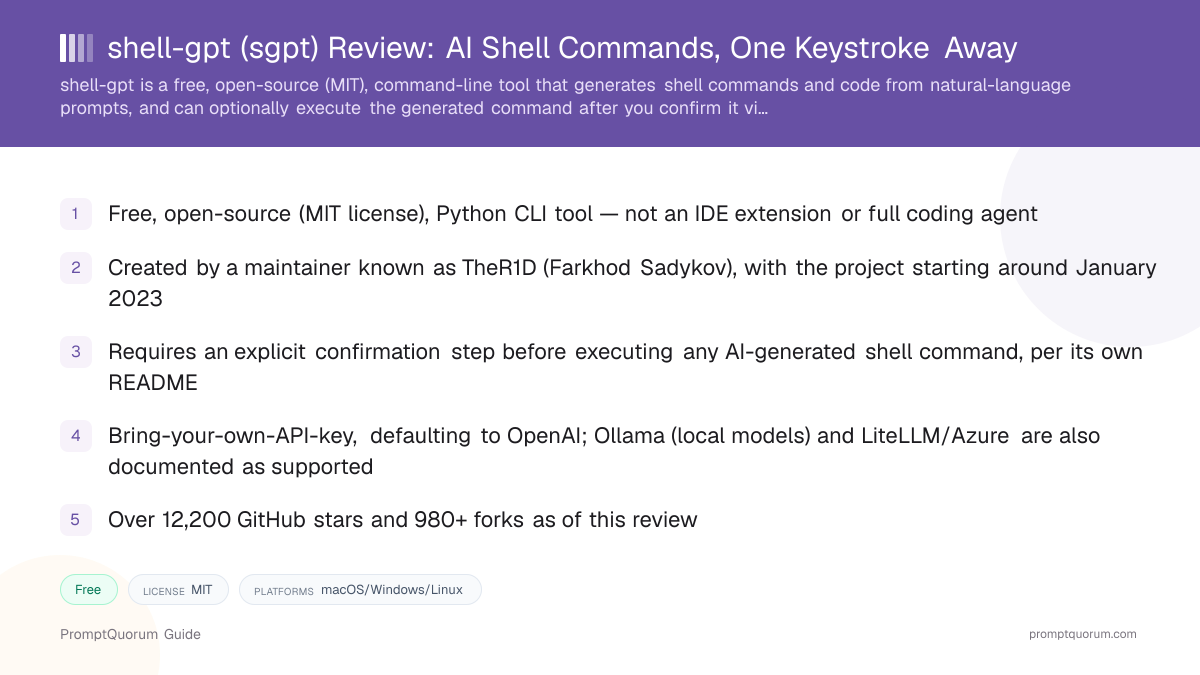
shell-gpt is a free, open-source, command-line productivity tool that generates shell commands, code, and chat responses from an AI model, run via the sgpt command. It is maintained by a developer known by the GitHub handle TheR1D (Farkhod Sadykov, per PyPI package metadata).
- Product type: a lightweight Python CLI tool, not an IDE extension, full coding agent, or autonomous system
- Maintainer: TheR1D (Farkhod Sadykov)
- Repository created: around January 18, 2023
- License: MIT, confirmed via the GitHub repository's license field
- Scale: over 12,200 GitHub stars and 980+ forks, as of this review
What Does shell-gpt Actually Do?
shell-gpt turns natural-language requests into shell commands, code snippets, or chat responses, right from your terminal.
- Shell mode (
--shell/-s): generates an OS-aware shell command for your request, then prompts "[E]xecute, [D]escribe, [A]bort" before running anything - Code mode (
--code/-c): outputs code only, without shell execution - Chat and REPL modes (
--chat,--repl): persistent, interactive conversation with the model - Shell integration: a hotkey (default Ctrl+L) can be installed via
sgpt --install-integrationto bring an AI-generated command suggestion directly into your terminal prompt - Custom roles:
--create-rolelets you define reusable custom personas/instructions - Function calling: built on top of OpenAI's function-calling API, with default functions installable via
sgpt --install-functionsand custom ones definable locally - Model backends: OpenAI by default; Ollama (local models), LiteLLM, and Azure are documented as supported. This review could not confirm direct, native Anthropic/Claude support from shell-gpt's own documentation — if Claude access is possible, it would be indirectly via a LiteLLM proxy, not a documented first-class integration
Is It Safe to Let shell-gpt Run Commands?
shell-gpt's own README explicitly warns that an LLM "might execute destructive commands, so please use it at your own risk," and requires you to confirm each generated command before it runs.
- Default behavior: shell mode always shows the generated command and asks "[E]xecute, [D]escribe, [A]bort" — it does not silently auto-run commands out of the box
- The project's own documentation carries an explicit risk warning about destructive commands, rather than presenting the tool as inherently safe
- This review found no documented, citable real-world incident (GitHub issue, blog post, or news report) of shell-gpt actually executing something destructive — but the absence of a found incident is not the same as a guarantee of safety, especially since a user could configure automation around the tool in ways that skip manual confirmation
- As with any tool that can generate and run shell commands, treat the confirmation step as a safeguard to read carefully, not a formality to click through — an AI-generated command can still be wrong or unexpectedly destructive even when it "looks" reasonable
Platform, Pricing, and Licensing
Platform
- What shell-gpt states:
- A Python command-line tool, run as
sgpt, usable on any OS with Python and pip.
Cost
- What shell-gpt states:
- Free and open source. Bring-your-own-API-key — you pay your chosen model provider directly.
Licensing
- What shell-gpt states:
- MIT, confirmed via the GitHub repository's license metadata.
Model backends
- What shell-gpt states:
- OpenAI by default; Ollama, LiteLLM, and Azure documented as supported. Direct native Anthropic/Claude support could not be confirmed from the project's own documentation.
Verify current backend support directly on the GitHub repository before assuming a specific provider is supported, since documentation can change between releases.
Install shell-gpt
shell-gpt installs free via pip.
Source | Link |
|---|---|
| GitHub repository (source code, MIT) | github.com/TheR1D/shell_gpt |
| PyPI package | pypi.org/project/shell-gpt |
| Install command | pip install shell-gpt |
Confirm you are installing from github.com/TheR1D/shell_gpt or the shell-gpt PyPI package — a separate, unrelated Go project also uses the name "sgpt."
Who Should Use shell-gpt?
shell-gpt fits developers who want a lightweight, low-friction way to get AI help with shell commands and small code snippets, without adopting a full coding agent.
Use shell-gpt if you
- Want a quick way to generate a shell command from a plain-English description, with a confirmation step before it runs
- Want a lightweight terminal chat/code tool without installing a full IDE extension or coding agent
- Are comfortable bringing your own API key (typically OpenAI) or want to try local models via Ollama
- Want custom shell hotkey integration for quick AI-assisted command suggestions
Look elsewhere if you
- Need multi-file autonomous code editing or agentic planning — shell-gpt does not attempt this; consider Cline or OpenHands instead
- Need native, first-class Claude/Anthropic model support — this review could not confirm that directly from shell-gpt's own documentation
- Plan to automate command execution without a human confirmation step — this removes shell-gpt's main safety check for destructive commands
- Want IDE-integrated autocomplete — shell-gpt is a standalone terminal tool, not an editor extension
What shell-gpt Is Not Good For
shell-gpt is not a good fit for autonomous, multi-step coding tasks, or for workflows that need to bypass its confirmation-based safety check.
- Not an autonomous coding agent — it generates single commands, code snippets, or chat responses, not multi-file, multi-step project changes
- Not IDE-integrated — it is a standalone terminal tool with no VS Code or JetBrains extension of its own
- Not confirmed to have native Anthropic/Claude support — verify current backend documentation before assuming this works out of the box
- Not a safe choice for unattended, non-interactive automation involving potentially destructive commands — its safety design depends on a human reviewing the "[E]xecute, [D]escribe, [A]bort" prompt each time
- Not the only tool named "sgpt" — a separate, unrelated Go-language project shares the name; verify you are using and reading about TheR1D's Python tool specifically
Common Mistakes When Evaluating shell-gpt
Most confusion about shell-gpt comes from conflating it with a same-named, unrelated tool, or expecting agentic capabilities it does not have.
Mistake 1: Confusing it with the unrelated Go-language "sgpt" project
A separate, unrelated tool at github.com/tbckr/sgpt also uses the "sgpt" name. This review, and the pip install shell-gpt package, refer only to TheR1D's original Python project.
Mistake 2: Assuming it auto-executes commands without confirmation
shell-gpt's shell mode always shows the generated command and requires you to choose "[E]xecute, [D]escribe, [A]bort" — it does not silently run commands by default.
Mistake 3: Expecting multi-file, agentic coding capability
shell-gpt is a lightweight command/code generator, not an autonomous coding agent. For multi-step, multi-file autonomous work, consider Cline or OpenHands instead.
Mistake 4: Assuming native Claude/Anthropic support exists
This review could not confirm direct, first-class Anthropic support from shell-gpt's own documentation. Verify current backend support before assuming Claude works out of the box.
Competitors and Alternatives
shell-gpt is most often compared to aichat and tgpt, along with plain ChatGPT/Claude CLI wrappers and GitHub Copilot CLI.
Tool | Best known for | Link |
|---|---|---|
| tgpt | Terminal AI chat tool with no API key required for some backends | terminaltrove.com/tgpt |
| aichat | Terminal AI tool supporting 20+ model backends | aichat (see PromptQuorum's directory for details) |
| GitHub Copilot CLI | GitHub's own terminal AI command assistant | github.com/features/copilot |
| Aider | Terminal-native, git-centric full AI pair programmer | Aider review |
This list reflects tools commonly compared to shell-gpt, not an independent PromptQuorum ranking — verify each tool's current features and safety model before choosing.
Frequently Asked Questions
What is shell-gpt (sgpt)?
shell-gpt (github.com/TheR1D/shell_gpt), run as the sgpt command, is a free, open-source (MIT) Python CLI tool for generating shell commands, code, and chat responses from an AI model.
Is shell-gpt safe to use?
It requires an explicit "[E]xecute, [D]escribe, [A]bort" confirmation before running any generated command, and its own README warns that an LLM might generate destructive commands. This review found no documented real-world incident of it executing something destructive, but that is not a safety guarantee — read each generated command carefully before confirming.
Is shell-gpt free?
Yes, shell-gpt itself is free and open source. It is bring-your-own-API-key, defaulting to OpenAI, so you pay your chosen model provider directly.
Does shell-gpt support local models?
Yes, per its own documentation, Ollama (local models) is supported, along with LiteLLM and Azure. This review could not confirm direct, native Anthropic/Claude support.
How do I install shell-gpt?
Run pip install shell-gpt. Confirm you are installing from the correct PyPI package and GitHub repository (github.com/TheR1D/shell_gpt), since an unrelated Go-language project also uses the name "sgpt."
Who maintains shell-gpt?
A developer known by the GitHub handle TheR1D (Farkhod Sadykov, per PyPI metadata), with the project starting around January 2023.
Can shell-gpt edit multiple files like Aider or Cline?
No, shell-gpt generates single commands, code snippets, or chat responses. For multi-file, agentic coding tasks, consider Aider, Cline, or OpenHands instead.
What is the shell integration hotkey feature?
Running sgpt --install-integration sets up a hotkey (default Ctrl+L) that brings an AI-generated command suggestion directly into your terminal prompt line.
Is the "sgpt" on GitHub the same as tbckr/sgpt?
No, github.com/tbckr/sgpt is a separate, unrelated Go-language reimplementation. This review covers only TheR1D's original Python project.
Has PromptQuorum independently tested shell-gpt's claims?
This review is based on shell-gpt's own GitHub repository, its README, and its PyPI package listing, rather than hands-on benchmarking by PromptQuorum.