Get Weesper Transcribe
It installs from the Mac App Store, so no terminal is needed.
Item | Link |
|---|---|
| Mac | Weesper Transcribe on the Mac App Store |
| Website | weesperneonflow.ai/en/transcribe |
| Privacy policy | Weesper Transcribe privacy policy |
Requirements: macOS 13 or later on Apple silicon, or on an Intel Mac with AVX2. The maker pages for Transcribe list no Windows or Linux version.
At a Glance
Attribute | Weesper Transcribe |
|---|---|
| Version | 1.2.3 (last update 18 November 2026) |
| Download size | 146.4 MB |
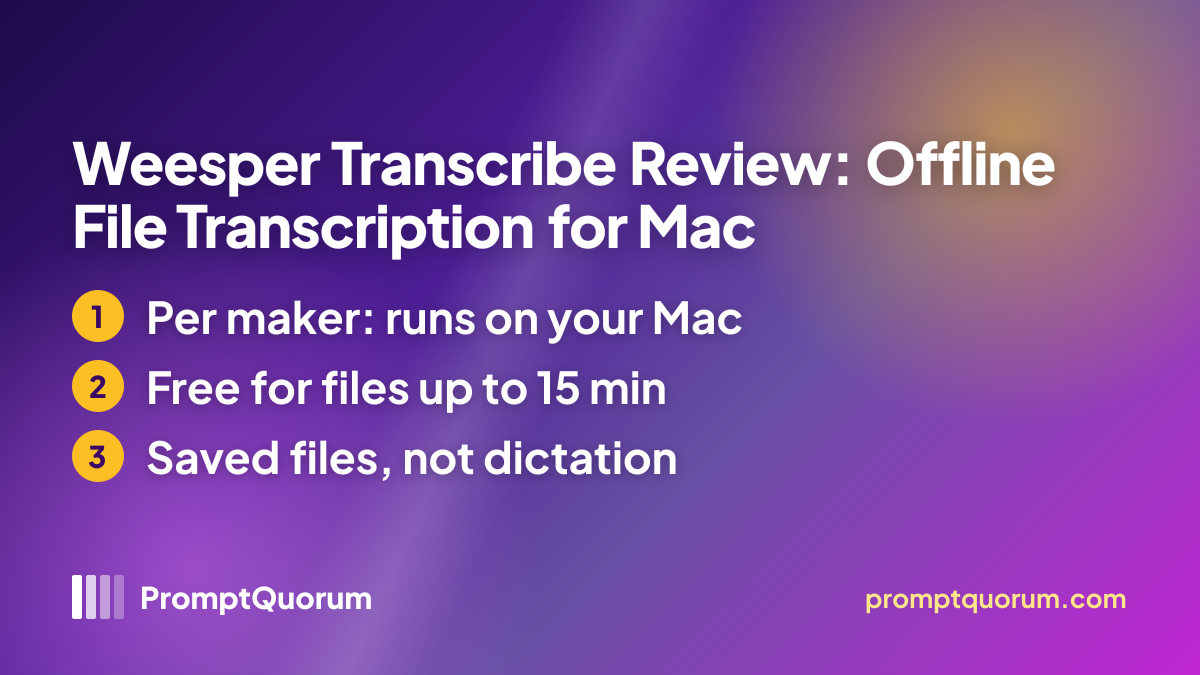
| Where it runs | On the Mac, per the maker |
| Real-time transcription | No; saved files only |
| Speaker labels | Not stated |
| Usable on CPU only | Not stated |
| Local API | Yes, in Pro; off by default |
| RAM requirement | Not stated |
What Weesper Transcribe Is
It is a file transcriber, a separate product from the Weesper Neon Flow dictation app. The product page reads MP3, M4A, WAV, MP4, MOV and other files macOS can open.
The maker says it uses Whisper models on the device, with Metal acceleration on Apple silicon. One model ships inside the app, so it can transcribe offline from the first launch. Larger models are an optional download that the maker offers in the free tier too.
Listed export formats are TXT, Markdown, SRT, VTT, DOCX, PDF, HTML, CSV and JSON. The listing first appeared on 25 June 2026. Some App Stores show a different name, such as "Weesper : Transcription audio" in France.
This review did not install the app, so it rates neither accuracy nor speed. The App Store page showed too few ratings for a score when checked.
Free Tier, Pro and Price
The free tier transcribes files of up to 15 minutes, one at a time, to plain text. According to the maker, Pro removes the length limit and adds batch processing, SRT, VTT, DOCX and PDF export, transcript editing, keyword and meaning-based search, clickable timestamps and the local automation API. The pages do not clearly say which tier covers Markdown, HTML, CSV or JSON.
The product page calls Pro a one-time lifetime purchase through Apple, with no subscription. The US App Store lists two in-app purchases, both named "Weesper Pro", at $9.99 and $22.99, and the listing does not explain the difference. Read the purchase screen in the app before you pay.
Privacy and Open Questions
The Transcribe privacy policy, dated 11 June 2026, says the app does not collect, store or transmit your audio, video or transcripts, and has no analytics, advertising or tracking. The App Store label, which developers declare themselves, reads "Data Not Collected". Apple handles payments. The policy says the optional local API listens only on 127.0.0.1, needs a local token and is off by default. If you email support, the maker processes your address and message to answer.
The code is closed and this review did not inspect network traffic, so these are the maker’s statements. What could not be confirmed:
- The policy does not mention network requests for model downloads, update checks or crash reports.
- The App Store listed 27 interface language entries while the product page said 13.
Weesper Transcribe vs. Alternatives
Four other transcription apps from the directory are the natural comparison.
Weesper Transcribe
- Platforms:
- macOS
- Price model and license:
- Freemium, proprietary
- Key difference:
- Built for saved files; speaker labels not stated
Also mentioned in Weesper Transcribe (2)
Also mentioned in:
- Weesper Neon Flow Review: Offline Dictation for Mac and WindowsUpdated November 27, 2026
- Local Voice & Speech Tools Compared (2026): Text-to-Speech, Speech-to-Text and Voice AgentsUpdated November 20, 2026
MacWhisper
- Platforms:
- macOS
- Price model and license:
- Freemium, proprietary
- Key difference:
- Offers speaker labels
Articles about MacWhisper (3)
- MacWhisper Review: Local Speech-to-Text for MacUpdated November 9, 2026
- Local Voice & Speech Tools Compared (2026): Text-to-Speech, Speech-to-Text and Voice AgentsUpdated November 20, 2026
- Meetily Review: Local, Privacy-First AI Meeting NotesUpdated September 18, 2026
Also mentioned in:
- AquaVoice Review: Pricing, Privacy and AI Prompt DictationUpdated November 6, 2026
- FunClip Review: Self-Hosted AI Video Clipping With FunASRUpdated September 19, 2026
- Willow Inference Server Review: Self-Hosted Whisper ASR and TTSUpdated September 19, 2026
Aiko
- Platforms:
- Mac, iPhone, iPad, visionOS
- Price model and license:
- Paid, proprietary
- Key difference:
- Also on iPhone; no speaker labels
Articles about Aiko (2)
- Aiko Review: On-Device Whisper Transcription for Mac and iPhoneUpdated October 30, 2026
- Local AI on iPhone in 2026: What Is Possible, What Is Not, and the iPhone Apps We CoverUpdated November 13, 2026
Whisper Notes
- Platforms:
- iOS, macOS
- Price model and license:
- Paid, proprietary
- Key difference:
- Offers speaker labels
Articles about Whisper Notes (1)
- Whisper Notes Review: Offline Speech-to-Text for iPhone, iPad and MacUpdated October 18, 2026
Also mentioned in:
- Local Voice & Speech Tools Compared (2026): Text-to-Speech, Speech-to-Text and Voice AgentsUpdated November 20, 2026
- Local AI on iPhone in 2026: What Is Possible, What Is Not, and the iPhone Apps We CoverUpdated November 13, 2026
Buzz Captions
- Platforms:
- Windows, macOS, Linux
- Price model and license:
- Free, MIT
- Key difference:
- Open source, with speaker labels
Third-party features and prices change; check each project before deciding.
Frequently Asked Questions
Can I try it without paying or signing up?
Yes. The app is a free download, and the maker says no account or sign-in is needed.
Does it ask for microphone access?
The App Store description says it needs neither microphone nor Accessibility permission, and that it runs in the App Sandbox.
Is the free tier less accurate?
The maker says no: both tiers use the same engine. This review did not compare them.
Does it run on older Intel Macs?
Only if the processor supports AVX2. The maker pages differ on whether that starts with 2013 or 2014 machines, so check your processor.
Verdict
Weesper Transcribe looks like a reasonable option to trial if you have a Mac and a pile of recordings you prefer not to upload: setup is a store install, and you can judge output on your own material before paying.
The reservations are that the code is closed, the privacy statements were not independently checked, the two Pro purchases are not explained on the listing, and several useful functions need Pro. If you need speaker names, compare an app that states it supports them.
Sources
- Weesper Transcribe product page — features, formats, free and Pro split.
- Weesper Transcribe privacy policy — data handling.
- Weesper Transcribe on the App Store — version, dates, size, requirements, prices, privacy label.
- Legal notice — publisher and registered office.