Best Local LLM Setup for Legal and Medical Document Privacy?
An RTX 4090 24 GB workstation or a Mac Studio with 32 GB+ unified memory, running a model like Qwen3 14B fully offline via Ollama, keeps privileged legal documents and PHI (protected health information) off any third-party cloud API. Running locally is necessary but not sufficient for compliance — it must be paired with disk encryption, access controls, and audit logging appropriate to your specific legal or regulatory obligations.
This page contains links to third-party products for reference. PromptQuorum is not enrolled in any affiliate program — these are plain links that earn no commission. Clicking links and your next steps are entirely your own responsibility. These links do not represent any endorsement or verification by PromptQuorum.
Quick Answer
An RTX 4090 24GB workstation or Mac Studio with 32GB+ unified memory, running Qwen3 14B fully offline, is the best setup — it keeps privileged and PHI documents off any cloud API. Pair it with encryption and access controls; running locally alone isn't automatically compliant.
- ▸Hardware: RTX 4090 24GB workstation or Mac Studio 32GB+ unified memory — either fits a capable 14B-32B model.
- ▸Software: Ollama running fully offline, with no outbound network calls during inference.
- ▸Compliance: local hosting is necessary but not sufficient — pair with disk encryption, access controls, and audit logging.
Key Takeaways
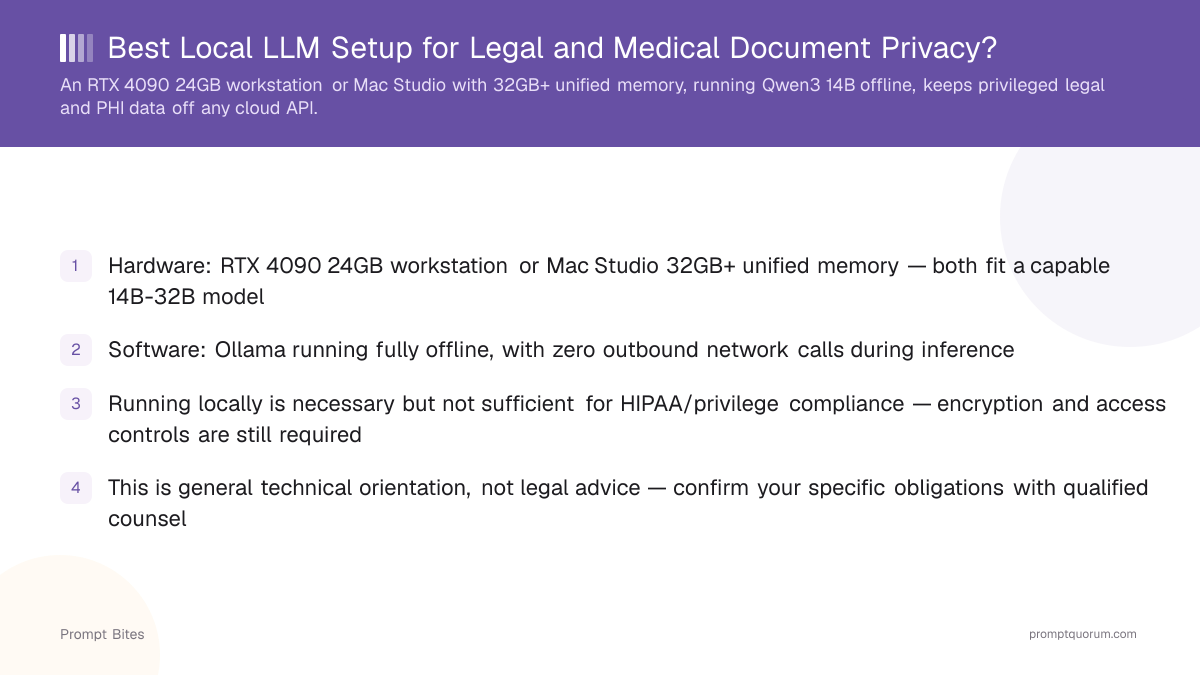
- ✓Hardware: RTX 4090 24GB workstation or Mac Studio 32GB+ unified memory — both fit a capable 14B-32B model
- ✓Software: Ollama running fully offline, with zero outbound network calls during inference
- ✓Running locally is necessary but not sufficient for HIPAA/privilege compliance — encryption and access controls are still required
- ✓This is general technical orientation, not legal advice — confirm your specific obligations with qualified counsel
Best Pick: RTX 4090 Workstation or Mac Studio, Running Fully Offline
For legal and medical document work, the right hardware is either an RTX 4090 24 GB workstation or a Mac Studio with 32 GB or more of unified memory — both comfortably fit a capable 14B-32B model like Qwen3 14B, run fully offline through Ollama with no outbound network calls during inference. Keeping inference entirely on owned hardware means privileged attorney-client communications or PHI (protected health information) never transit a third-party API, addressing the core "does this data leave my control" question that cloud AI services raise for these professions.
Apple refreshed the Mac Studio lineup in August 2026: the Mac Studio M5 Max starts at $2,499 with up to 128 GB of unified memory, and the Mac Studio M5 Ultra starts at $5,499 with up to 256 GB (a 512 GB configuration ships in late October 2026, priced well above $10,000 and unnecessary for the 32 GB+ tier this use case needs). Either current model comfortably covers the 32 GB+ recommendation above; PromptQuorum has not benchmarked either chip directly.
A dedicated NAS for encrypted document storage, separate from the inference machine, is worth adding to this setup — it keeps the source documents themselves encrypted at rest, with access controls independent of whatever machine happens to be running the LLM at a given time.
Running locally is a necessary step, not a complete compliance solution. HIPAA (for medical use) and attorney-client privilege protections (for legal use) both have requirements around access controls, audit logging, encryption, and staff training that a local LLM setup does not automatically satisfy just by being offline. Treat this as the technical foundation for a compliant workflow, and work with qualified legal or compliance counsel to confirm the full set of requirements for your specific practice.
RTX 4090 Workstation vs Mac Studio for This Use Case
An RTX 4090 workstation is generally the faster option for a given model size and has the more mature software ecosystem for tasks like local fine-tuning on your own document set. A Mac Studio is quieter, more power-efficient for always-on use, and its unified memory scales higher (up to 256 GB in the Mac Studio M5 Ultra, with a 512 GB configuration shipping in late October 2026) if you need to run very large models.
Either is a defensible choice — pick based on whether raw speed and fine-tuning flexibility (RTX 4090) or quiet, efficient, always-on operation with higher memory ceilings (Mac Studio) matters more for your specific workflow.
Related Reading
- ▸Can a Local LLM Help with GDPR Compliance? — the equivalent EU privacy framing
- ▸Is Qwen GDPR Compliant? — a specific model's compliance profile
- ▸Best Local LLM for Document Summarization — handling long legal or medical documents
Frequently Asked Questions
Does running a local LLM make my practice HIPAA compliant automatically?▾
Can I use a cloud API instead if I sign a Business Associate Agreement?▾
Which model size do I actually need for document review tasks?▾
Do I need to air-gap the machine entirely?▾
Want the full breakdown?
Read the complete guide →