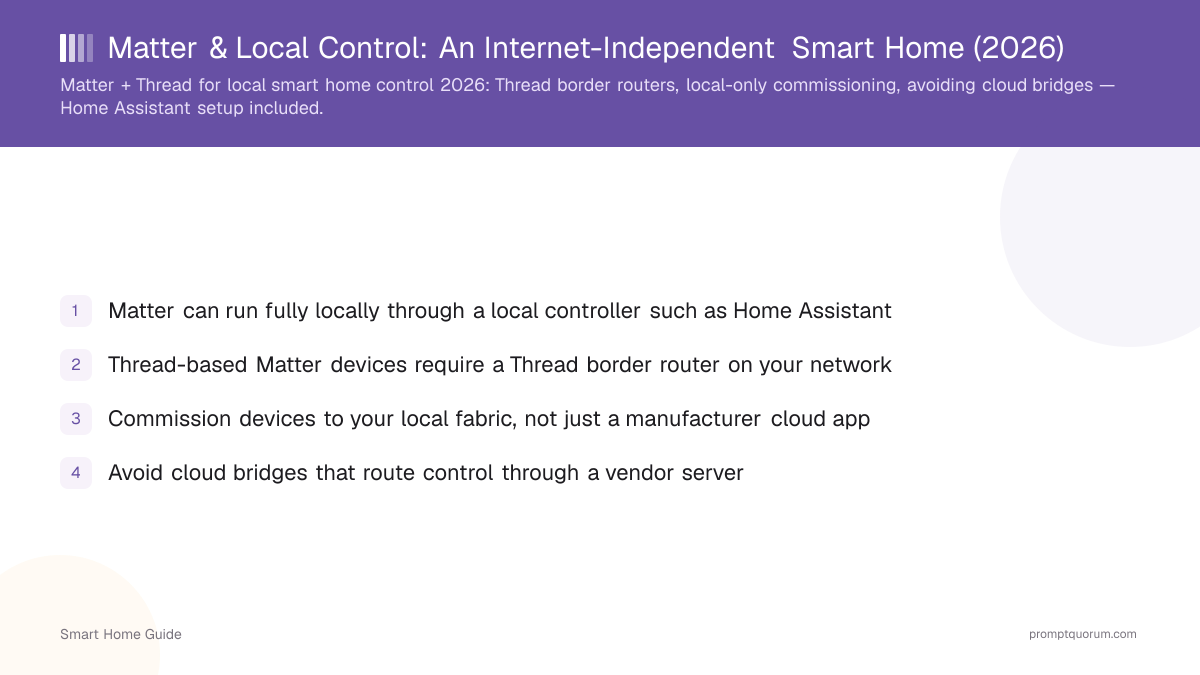
Key Takeaways
- Matter can run fully locally through a local controller such as Home Assistant
- Thread-based Matter devices require a Thread border router on your network
- Commission devices to your local fabric, not just a manufacturer cloud app
- Avoid cloud bridges that route control through a vendor server
- Home Assistant acts as a local Matter controller for internet-independent control
- Some devices offer optional cloud features you can ignore for local control
Does Matter Mean Local?
Matter is designed for local control, but whether your setup stays local depends on the controller and how you commission devices. Pairing to a local controller keeps control on your network.
- Matter control between a device and a local controller happens on your LAN.
- Using only a vendor app may route some features through that vendor's cloud.
- For the protocol background, see smart home protocols explained.
Thread Border Routers
Thread-based Matter devices need a Thread border router to bridge the Thread mesh to your IP network. Many hubs and some speakers include one.
- A border router connects low-power Thread devices to your LAN.
- Matter-over-Wi-Fi devices do not need Thread, but Thread suits battery devices.
- Check your controller or a compatible device provides a border router.
Local-Only Commissioning
Commission Matter devices directly to your local controller so control stays on your network. Matter's multi-admin feature lets a device join more than one fabric, and Matter 1.6's Joint Fabric (released June 2026) formalizes this by letting multiple user-authorized controllers co-administer the same shared network — see Matter 1.6 Explained for the full spec change.
- 1Add the Matter integration in your local controller (e.g. Home Assistant).
- 2Scan the device's Matter QR/pairing code from the controller — or use NFC tap-to-pair if the device supports Matter 1.6's NFC-based commissioning.
- 3Commission it to your local fabric on your network.
- 4Verify control works with the manufacturer app closed.
Avoiding Cloud Bridges
Avoid cloud bridges that relay device control through a vendor server, which defeats local operation. Prefer direct local commissioning and local controllers.
- Some ecosystems bridge Matter devices via their cloud — prefer a local controller instead.
- Keep the Thread border router and controller on your own network.
- Test that control survives an internet outage to confirm it is local.
Setup with Home Assistant
Home Assistant acts as a local Matter controller, so you commission devices to it and control them with no manufacturer cloud. This is the cleanest path to internet-independent Matter.
- Use the Home Assistant Matter integration as your controller — see Home Assistant getting started.
- Pair a Thread border router so Thread devices join your network.
- For the full local picture, see the complete local smart home guide.
Setup Paths Compared
Local commissioning to a local controller is internet-independent; vendor-cloud-only pairing is not. Pick the local path.
Setup path | Local-only? | Needs cloud bridge? |
|---|---|---|
| Commission to Home Assistant (local controller) | Yes | No |
| Matter-over-Thread + local Thread border router | Yes | No |
| Vendor-app-only pairing | Partial | Sometimes |
| Cloud-bridged ecosystem | No | Yes |
Frequently Asked Questions
Is Matter always local?
Matter is designed for local control, but whether your setup stays local depends on the controller and commissioning. Pairing devices to a local controller like Home Assistant keeps control on your network; relying only on a vendor cloud app may route features through the cloud.
Do I need a Thread border router?
Only for Thread-based Matter devices, which use the low-power Thread mesh. A Thread border router bridges them to your IP network and is built into some hubs and speakers. Matter-over-Wi-Fi devices do not need one.
Can I avoid the manufacturer app?
Often, yes. With Matter's commissioning you can pair a device directly to a local controller such as Home Assistant and control it without the manufacturer app. Some initial setup may use the app, but ongoing control can be local.
Does Matter work with Home Assistant?
Yes. Home Assistant includes a Matter integration and can act as a local Matter controller, commissioning devices to your local fabric and controlling them with no manufacturer cloud.
What is Joint Fabric in Matter?
Joint Fabric, added in Matter 1.6 (June 2026), lets multiple user-authorized controllers formally co-administer the same shared Matter network — for example, a local controller like Home Assistant and a manufacturer app can both manage a device without one taking over the other's fabric. It builds on Matter's existing multi-admin capability rather than replacing it.