What Is BoBe?
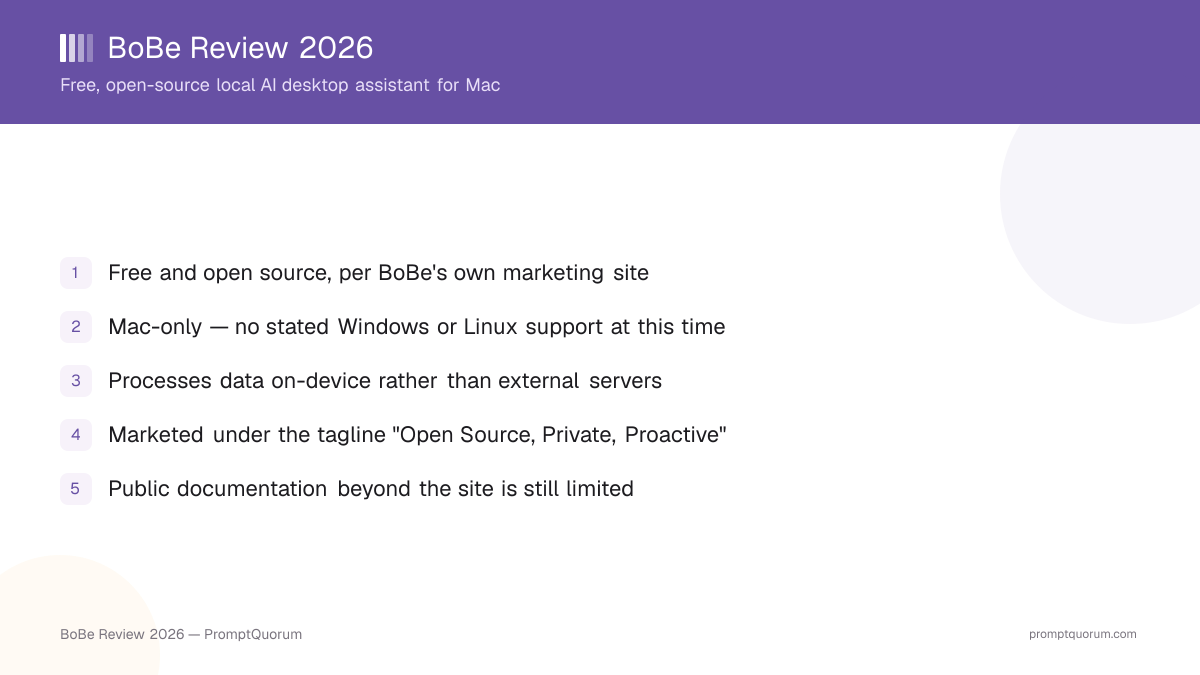
BoBe is a free, open-source local AI desktop assistant built for Mac. Its own site (bobebot.com) markets it under the tagline "Open Source, Private, Proactive," positioning it as a local alternative to cloud-hosted AI assistants for people who want their assistant's data handling to stay on their own machine.
- Product type: a local AI desktop assistant, not a chat-only web app or a cloud service
- Platform: Mac, with no publicly stated Windows or Linux version
- Cost: free
- Licensing: open source
- Positioning: "Open Source, Private, Proactive," per BoBe's own marketing
What Does BoBe Actually Do?
BoBe positions itself around three qualities: being open source, keeping processing private and local, and being "proactive." Beyond that framing, BoBe's own site does not publish a detailed, itemized feature list, so this section stays deliberately general rather than inventing specifics that are not publicly documented.
- Local assistant: BoBe runs on the user's Mac and is described as processing data on-device rather than routing it through external servers
- Proactive: BoBe's own marketing uses the word "proactive" to describe its behavior, though it does not spell out exactly what proactive actions the assistant takes
- Open source: the project is described as open source, which typically means its source code is publicly available for inspection, though this review has not audited that codebase
Platform and Licensing
Platform
- What BoBe states:
- Mac. There is no evidence on BoBe's own site of a Windows or Linux release; treat BoBe as a Mac-only tool until BoBe states otherwise.
Cost
- What BoBe states:
- Free, per BoBe's own marketing site.
Licensing
- What BoBe states:
- Open source, per BoBe's own marketing site. This review has not independently verified the specific open-source license or inspected the source repository.
Data handling
- What BoBe states:
- Described as processing data on-device rather than sending it to external servers — consistent with the "Private" part of BoBe's tagline.
Because BoBe is a small, indie product, verify current platform, licensing, and data-handling details directly on bobebot.com before making a decision that depends on any of them — small projects can change scope, licensing, or platform support without the kind of formal changelog larger, more established apps publish.
Who Should Try BoBe?
Whether BoBe fits depends on whether you want a free, local, open-source Mac assistant and are comfortable with a small, indie project that has limited public documentation.
Try BoBe if
- You use a Mac and want a free, local AI assistant rather than a cloud-hosted one
- You value data staying on-device and processed locally rather than sent to external servers
- You are comfortable inspecting open-source code yourself, or trusting an open-source project without a large, established community track record
- You are willing to try a small, indie tool and form your own opinion, given that public reviews and documentation are still limited
Wait, or look elsewhere, if
- You need Windows or Linux support — BoBe's own site gives no indication either is available
- You need a detailed, published feature list, changelog, or version history before committing to a tool, since BoBe's public materials do not yet offer that level of detail
- You need independent, third-party reviews or benchmarks before trying new software — those are not yet widely available for BoBe
- You need a team or enterprise deployment with documented support — BoBe is positioned, and reads, as an individual-user desktop tool
Common Mistakes When Evaluating BoBe
Most confusion around a small, indie tool like BoBe comes from assuming it has the same depth of public information as an established, widely reviewed app.
Mistake 1: Assuming BoBe supports Windows or Linux
BoBe's own site gives no indication of Windows or Linux support. Treat BoBe as Mac-only unless BoBe's own materials state otherwise.
Mistake 2: Expecting a detailed public feature list or changelog
BoBe is a small, indie product with a minimal marketing site. It does not currently publish the kind of detailed, itemized feature list or version changelog that larger, more established apps do — do not assume specific capabilities that are not stated on its own site.
Mistake 3: Treating "proactive" as a specific, documented feature set
BoBe's marketing uses the word "proactive" as part of its tagline, but does not itemize exactly what proactive behaviors the assistant performs. Verify current behavior directly with the app rather than assuming a specific automation feature exists.
Mistake 4: Assuming "open source" and "free" mean identical things across apps
BoBe states it is both free and open source, but this review has not independently verified the specific license terms or audited the source code. If license terms matter for your use case, check the source repository directly rather than assuming a particular license from the "open source" label alone.
Frequently Asked Questions
What is BoBe?
BoBe (bobebot.com) is a free, open-source local AI desktop assistant built for Mac. It is marketed under the tagline "Open Source, Private, Proactive" and is described as processing data on-device rather than sending it to external servers.
Is BoBe free?
Yes. BoBe's own site describes it as free.
Is BoBe open source?
BoBe describes itself as open source. This review has not independently audited its source code or confirmed the specific license terms — check the project's own materials for those details.
Does BoBe run on Windows or Linux?
There is no indication of Windows or Linux support on BoBe's own site. Treat BoBe as a Mac-only tool at this time.
Does BoBe send my data to external servers?
BoBe is described as processing data on-device rather than sending it to external servers, which is the basis for the "Private" part of its own tagline. This review has not independently tested or audited that data-handling claim.
What does "proactive" mean for BoBe?
BoBe's own marketing uses "proactive" as part of its tagline, but it does not publicly itemize exactly which proactive actions the assistant takes. This review does not list specific proactive features because they are not documented at that level on BoBe's own site.
Has PromptQuorum tested BoBe hands-on?
No. This review is based on what BoBe's own marketing site states, not on hands-on testing, benchmarking, or a star rating produced by PromptQuorum.
Where can I find more details about BoBe's features?
BoBe's public documentation is limited as of this review — check the official site at bobebot.com for current feature details, since a small, indie project like BoBe can change or expand what it publishes over time.
Is BoBe suitable for team or enterprise use?
BoBe is positioned and reads as an individual-user desktop tool. There is no published information about team or enterprise deployment, support, or licensing at the time of this review.
How is BoBe different from a cloud-based AI assistant?
BoBe is described as running locally on your Mac and processing data on-device, rather than sending requests to a cloud service the way many mainstream AI assistants do. This local-processing approach is the core of BoBe's "Private" positioning.