Best eGPU Setup for MacBook Local LLM Inference (2026)
MacBooks with Apple Silicon (M2–M5) cannot use eGPUs via Thunderbolt for GPU compute through native macOS — Apple removed Thunderbolt eGPU support in macOS Ventura. However, Tiny Corp's Apple-notarized TinyGPU driver adds NVIDIA/AMD eGPU compute support on Apple Silicon for AI workloads (not Metal, not display). For a fully supported path: use a Mac Mini M4 Pro (48 GB) or an AMD/Intel mini PC with OCuLink instead.
This page contains links to third-party products for reference. PromptQuorum is not enrolled in any affiliate program — these are plain links that earn no commission. Clicking links and your next steps are entirely your own responsibility. These links do not represent any endorsement or verification by PromptQuorum.
Key Takeaways
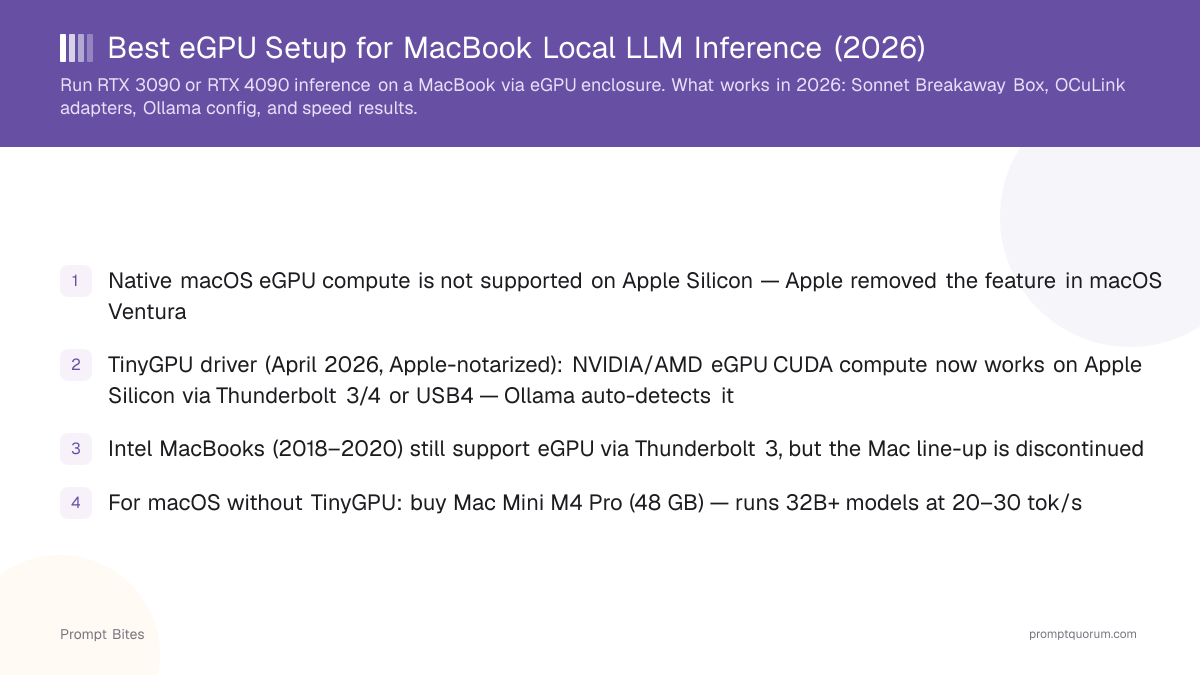
- ✓Native macOS eGPU compute is not supported on Apple Silicon — Apple removed the feature in macOS Ventura
- ✓TinyGPU driver (April 2026, Apple-notarized): NVIDIA/AMD eGPU CUDA compute now works on Apple Silicon via Thunderbolt 3/4 or USB4 — Ollama auto-detects it
- ✓Intel MacBooks (2018–2020) still support eGPU via Thunderbolt 3, but the Mac line-up is discontinued
- ✓For macOS without TinyGPU: buy Mac Mini M4 Pro (48 GB) — runs 32B+ models at 20–30 tok/s
- ✓For portable + GPU: AMD mini PC (UM890 Pro) + RTX 3090 via OCuLink — runs Ollama at 60–80 tok/s
- ✓Thunderbolt 4 eGPUs on x86 laptops (Windows/Linux) do work — 35–45% bandwidth penalty vs native PCIe
eGPU on Apple Silicon Macs in 2026: What Changed
Apple removed Thunderbolt eGPU support in macOS Ventura (released October 2022). All Apple Silicon MacBooks (M1, M2, M3, M4, M5) run on this or later macOS versions. Native macOS (Metal) will not use an external GPU for GPU compute — only the internal GPU is active. However, on April 4, 2026, Apple officially signed and notarized Tiny Corp's TinyGPU driver — the first sanctioned path for NVIDIA and AMD eGPUs to run CUDA/ROCm compute on Apple Silicon. Ollama and llama.cpp auto-detect the TinyGPU CUDA backend. An RTX 4090 eGPU connected via Thunderbolt 4 delivers approximately 45–50 tok/s on 8B Q4 models. Supported GPUs: NVIDIA Ampere (RTX 3000) or newer; AMD RDNA3 or newer. Requires macOS 12.1 or later.
📍 In One Sentence
Native macOS eGPU compute support was removed in macOS Ventura (2022) and remains absent — but, Tiny Corp's Apple-notarized TinyGPU driver enables NVIDIA and AMD eGPU CUDA compute on Apple Silicon via Thunderbolt or USB4 for AI workloads including Ollama.
💬 In Plain Terms
An eGPU is an external graphics card in a box connected via Thunderbolt or OCuLink. Apple's own drivers (Metal) never supported external GPUs for compute on M-series chips. However, Tiny Corp released TinyGPU in early 2026 — a third-party driver signed by Apple — that exposes CUDA (NVIDIA) and ROCm (AMD) compute via Thunderbolt 3/4 or USB4. It does not use Metal and does not provide display output; it is purpose-built for AI and ML compute tasks.
- ▸macOS 13 Ventura (2022): Native eGPU compute support dropped. All Apple Silicon Macs affected.
- ▸macOS 14 Sonoma, 15 Sequoia: Still no native (Metal) eGPU compute support.
- ▸TinyGPU driver (April 2026): Apple-notarized third-party driver adds CUDA/ROCm eGPU compute on Apple Silicon via TB3/4 or USB4. Not Metal; not display output. Ollama auto-detects it.
- ▸Intel MacBooks (2018–2020): eGPU worked via Thunderbolt 3 on older macOS. These Macs are discontinued and will not receive macOS updates past macOS Tahoe.
- ▸External display via eGPU: Still works on older Intel Macs as an output-only device.
What to Do Instead: Real Alternatives
Related Guides
- ▸Best Ollama Models for CPU-Only Inference -- CPU-only inference guide
- ▸MLX vs Ollama vs llama.cpp: Which Backend? -- backend comparison
- ▸How to Convert an Ollama Model to MLX -- MLX conversion guide
- ▸Best Local LLM for 16 GB RAM Laptop -- 16GB RAM guide
Quick Answers
Is there any way to make an eGPU work with an M4 MacBook Pro for AI?▾
Will Apple bring back eGPU support for Apple Silicon?▾
Can I use an NVIDIA GPU for inference and pipe the output to my MacBook?▾
Can I use an eGPU with a MacBook for local LLM inference?▾
Want the full breakdown?
Read the complete guide →