Best Local LLM for a Mac with 32GB Unified Memory in 2026
On a 32GB unified memory Mac, the best local LLM is a 32B model — like Qwen3 32B — at Q4 quantization, which needs roughly 18-20GB and leaves 12-14GB for macOS and context. 32GB is a good practical target for 32B Q4 models, not a hard minimum — actual headroom depends on quantization, context length, and what else is running. For anything past 32B, 48GB or 64GB is the better choice. Checked August 26, 2026: Apple's Mac mini lineup just moved to M6/M5 Pro chips (shipping September 22), and MacBook Pro has moved to M5 Pro/M5 Max — buy on unified memory capacity, not a specific chip generation.
This page contains links to third-party products for reference. PromptQuorum is not enrolled in any affiliate program — these are plain links that earn no commission. Clicking links and your next steps are entirely your own responsibility. These links do not represent any endorsement or verification by PromptQuorum.
Quick Answer
Qwen3 32B at Q4 is the best fit for a 32GB unified memory Mac — it needs ~18-20GB, leaving comfortable headroom for macOS. Buy the Mac for its unified memory capacity, not a specific chip generation: Apple's current lineup (checked August 26, 2026) spans M6/M5 Pro Mac minis and M5 Pro/M5 Max MacBook Pros, with 32GB available as a configuration option on several of them.
- ▸A 32B model at Q4_K_M needs roughly 18-20GB — fits with 12-14GB left for macOS and context on a 32GB Mac.
- ▸macOS itself typically uses 4-6GB at idle, so treat ~26-28GB as the practical usable ceiling, not the full 32GB.
- ▸For 70B-class quality, 32GB is too tight at a useful quantization level — look at 48GB or 64GB instead.
Key Takeaways
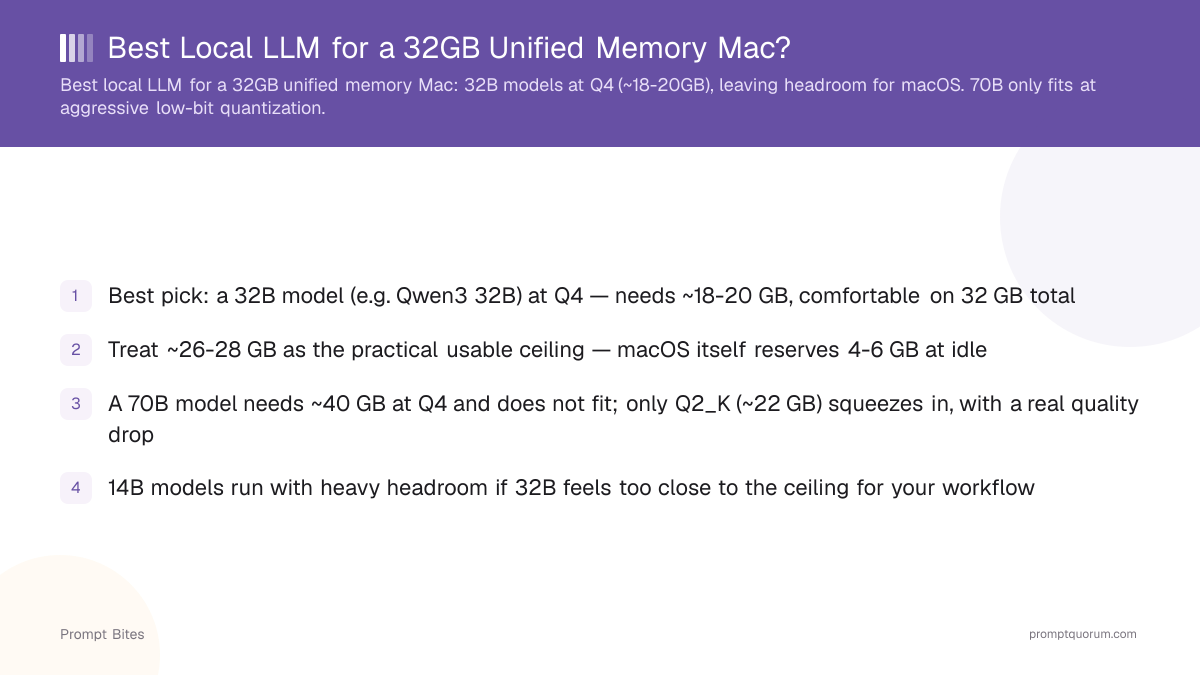
- ✓Best pick: a 32B model (e.g. Qwen3 32B) at Q4 — needs ~18-20GB, comfortable on 32GB total
- ✓Treat ~26-28GB as the practical usable ceiling — macOS itself reserves 4-6GB at idle
- ✓70B at Q4 doesn't fit comfortably on 32GB — go 48GB+ if that's the goal
- ✓Buy on unified memory capacity, not chip generation — Apple's Mac mini and MacBook Pro lineups both moved chips in 2026
Best Pick: 32B Models at Q4
A 32GB unified memory Mac is a good practical target for 32B-class models at Q4 quantization — the model needs roughly 18-20GB, leaving 12-14GB for macOS, background apps, and the context window. This is the same unified-memory-equals-VRAM logic that applies across all Apple Silicon Macs: there is no separate GPU memory pool to worry about.
Don't plan around the full 32GB figure on the spec sheet. macOS itself typically reserves 4-6GB at idle, and background processes add more. Treat roughly 26-28GB as the realistic usable ceiling for model plus context, not the advertised 32GB.
A 70B model doesn't fit at a useful quantization level on 32GB: it needs about 40GB at Q4. If you specifically need 70B-class quality, look at a 48GB or 64GB unified memory configuration instead — don't buy 32GB expecting to run 70B.
Which 32GB Mac?
Mac mini — best value. A 32GB Mac mini gives you a compact, quiet local-AI machine at the lowest cost for the memory capacity. Checked August 26, 2026: Apple just refreshed the Mac mini lineup with M6 and M5 Pro chips (pre-orders open, shipping September 22, 2026) — memory is configured at purchase and cannot be upgraded later, so confirm the 32GB option is available on the specific chip tier you're looking at before buying.
MacBook Pro — best if you need mobility. Choose a 32GB MacBook Pro only if you actually need to run models on the go; otherwise the Mac mini is the better value for the same memory capacity. Apple's MacBook Pro lineup has moved to M5 Pro/M5 Max chips, with the older M4 Pro generation now typically found at closeout pricing.
Either way, buy for the unified memory figure, not the chip name — a 32GB config running Qwen3 32B performs similarly across recent Apple Silicon generations for this workload.
14B vs 32B vs 70B on 32GB
A 14B model at Q4 runs with heavy headroom on 32GB — an easy fit. A 32B model at Q4 is the sweet spot: well-calibrated quantization with minimal quality loss versus full precision, and it uses most of the practical 26-28GB ceiling without overrunning it. A 70B model doesn't fit at a useful quantization level (Q4 needs ~40GB); an aggressive Q2_K squeeze is technically possible but trades enough quality that it's rarely the better choice over a well-quantized 32B model for precision-sensitive tasks.
Don't buy a 32GB Mac specifically to run 70B — if 70B-class quality is the actual goal, a 48GB or 64GB configuration is the right target from the start.
Related Reading
- ▸Is the Mac Mini M4 Good for Local LLMs? — the base and Pro configurations compared
- ▸Best Local LLM for a MacBook Air Without an eGPU — the entry-level Apple Silicon tier
- ▸How Much VRAM for a 70B Model? — the underlying memory math
- ▸Best GPU Buying Guide for Local LLMs 2026 — for when you outgrow unified memory and want dedicated VRAM
Frequently Asked Questions
How much unified memory does macOS actually use at idle?▾
Is 32GB unified memory the same as 32GB of VRAM?▾
Should I get 48GB instead of 32GB?▾
Mac mini or MacBook Pro for a 32GB local LLM setup?▾
Does Ollama or LM Studio handle unified memory better?▾
Want the full breakdown?
Read the complete guide →