Key Takeaways
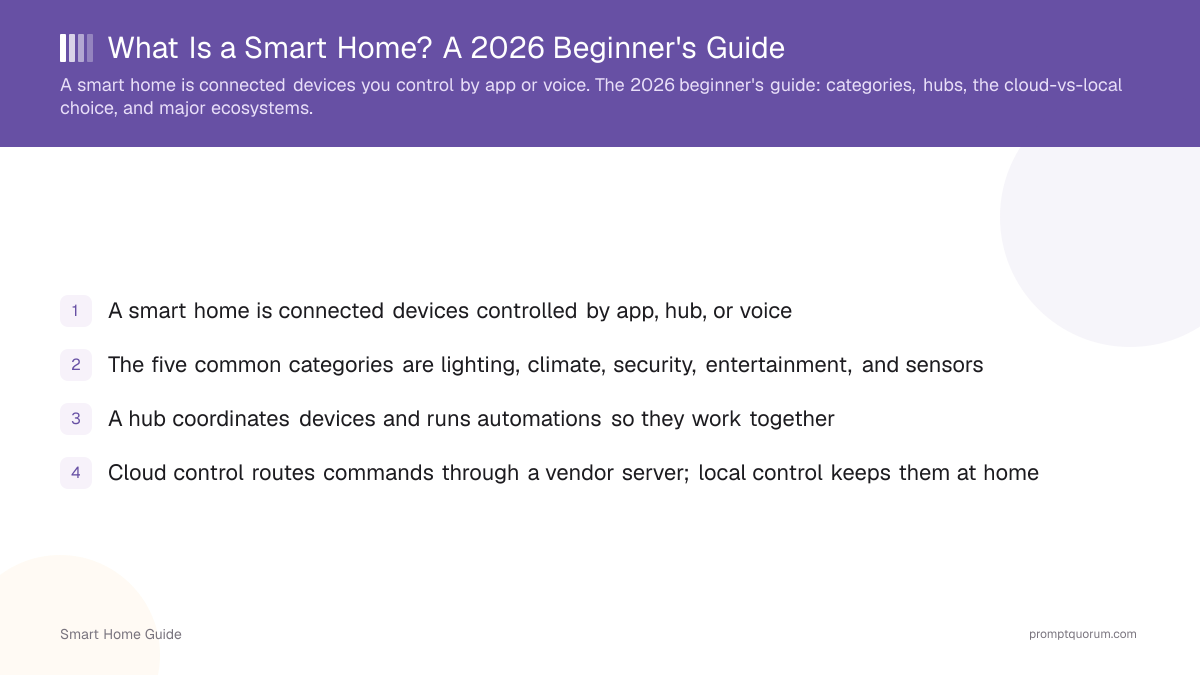
- A smart home is connected devices controlled by app, hub, or voice
- The five common categories are lighting, climate, security, entertainment, and sensors
- A hub coordinates devices and runs automations so they work together
- Cloud control routes commands through a vendor server; local control keeps them at home
- Local control means more privacy and offline reliability — the key 2026 distinction
- The four major ecosystems are Amazon Alexa, Google Home, Apple Home, and Home Assistant
The Core Idea
A smart home turns ordinary devices into ones you can monitor, automate, and control remotely or by voice. Automation — devices acting on their own based on triggers — is what separates a smart home from a collection of remote-controlled gadgets.
- Monitor: see device state (is the door locked, is it warm) from anywhere.
- Automate: set rules ("turn the porch light on at sunset") so devices act without you.
- Control: use an app or a voice assistant to operate devices directly.
The Five Smart Home Device Categories
Most smart home devices fall into five categories: lighting, climate, security, entertainment, and sensors. Many devices come in both cloud-only and local-capable versions.
Category | Example devices | Cloud or local |
|---|---|---|
| Lighting | Smart bulbs, switches, plugs | Both (Zigbee/Matter are local) |
| Climate | Thermostats, smart radiator valves | Both |
| Security | Cameras, smart locks, doorbells | Often cloud; local options exist |
| Entertainment | Speakers, TVs, streaming devices | Mostly cloud |
| Sensors | Motion, door/window, temperature | Both (Zigbee/Z-Wave are local) |
What Is a Smart Home Hub?
A hub is the coordinator that lets devices talk to each other and run automations, often bridging different wireless protocols. Some ecosystems use a dedicated hub; others use a speaker or your phone.
- A hub bridges protocols like Zigbee and Z-Wave to your network — see smart home protocols explained.
- Local hubs (like Home Assistant) run automations without the internet.
- Cloud ecosystems may not need a separate hub but depend on their servers.
Cloud vs Local: The 2026 Dividing Line
Cloud control sends your commands to a vendor server; local control keeps them inside your home. This is the choice that determines privacy, offline reliability, and whether a vendor can change or discontinue your devices.
- Cloud: easy setup, but data leaves your home and features can stop if the service does.
- Local: more setup, but private, offline-capable, and not dependent on a vendor cloud — see the complete local smart home guide.
- Why beginners should care: the choice is hard to reverse later, so it is worth deciding early.
The Major Ecosystems
The four major ecosystems are Amazon Alexa, Google Home, Apple Home, and Home Assistant — they differ most on privacy and local control. Home Assistant is the local/private champion; Alexa and Google are cloud-first.
- Amazon Alexa: wide device support, cloud-first, voice-led.
- Google Home: broad support and strong voice, cloud-first.
- Apple Home: more privacy-focused, with some local control via a home hub.
- Home Assistant: open-source, local-first, the most private — compared in ecosystems compared.
Where to Go Next
If privacy matters, start down the local-first path; if you just want convenience, a cloud ecosystem is the quickest start. Either way, begin with one room.
- New and want a step-by-step path? See smart home for beginners: where to start.
- Care about privacy? See the complete local smart home guide.
Frequently Asked Questions
Do I need a hub for a smart home?
Not always. Wi-Fi devices and cloud ecosystems can work without a dedicated hub, but a hub is needed for local protocols like Zigbee and Z-Wave and for running automations locally. A local hub like Home Assistant also keeps your system working offline.
Is a smart home secure?
It can be, but security depends on the devices and setup. Cloud devices expose data to vendor servers; local setups keep data at home. Use strong passwords, keep firmware updated, and prefer local-capable devices for sensitive areas like cameras.
Cloud or local — which is better for beginners?
Cloud ecosystems are easier to start with; local setups take more effort but offer privacy and offline reliability. If privacy matters to you, starting local-first avoids a harder migration later.
What is the cheapest way to start a smart home?
Begin with one room and a few inexpensive local-capable devices (a couple of smart bulbs or plugs and a sensor) plus a hub. Expanding gradually avoids overspending and lets you learn before committing to an ecosystem.
What is Matter, and do I need it for a smart home?
Matter is a shared connectivity standard — backed by Amazon, Google, Apple, Samsung, and other manufacturers through the Connectivity Standards Alliance — that lets certified devices work across more than one ecosystem instead of locking you into a single app. You do not need Matter to build a smart home; Zigbee, Z-Wave, and Wi-Fi devices still work fine on their own. Choosing Matter-certified devices where available simply reduces the risk of being stuck if you switch ecosystems later.
Can I mix devices from different smart home ecosystems?
Yes, within limits. Matter-certified devices can join more than one ecosystem — a Matter lock, for example, can work with both Apple Home and Google Home. Devices without Matter support are usually tied to their own manufacturer app or protocol, so mixing brands works best when you check for Matter support first or choose a hub, like Home Assistant, that is built to bridge multiple protocols.
Does a smart home still work if the internet goes down?
It depends on whether control is local or cloud-based. Locally controlled devices — using Zigbee, Z-Wave, Thread, or a local hub like Home Assistant — keep running automations without internet. Cloud-controlled devices lose remote access and voice control during an outage, though many keep basic manual operation (a light switch still works even when the app does not).