Key Takeaways
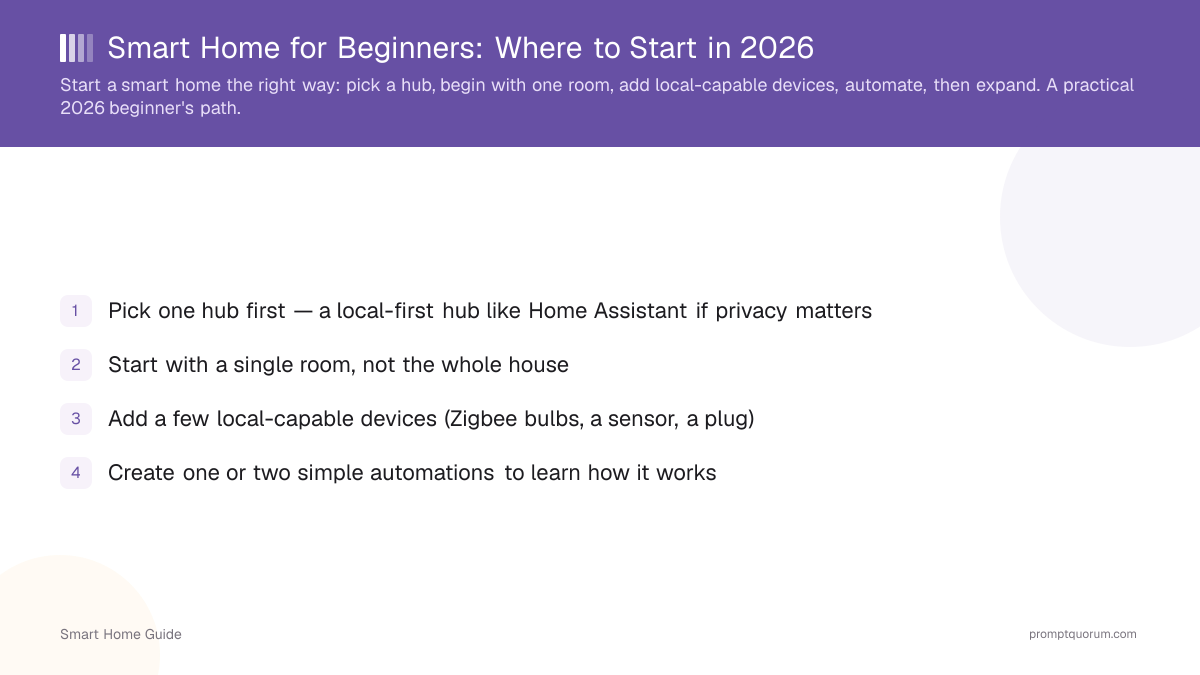
- Pick one hub first — a local-first hub like Home Assistant if privacy matters
- Start with a single room, not the whole house
- Add a few local-capable devices (Zigbee bulbs, a sensor, a plug)
- Create one or two simple automations to learn how it works
- Add voice and AI control later, once the basics are reliable
- Avoid the common mistake of buying many cloud-only devices up front
What Do You Need to Start a Smart Home?
A basic smart home needs four things: a hub or controller, a few devices, a stable home network, and a phone or voice assistant to control it. You do not need a whole-house kit or a large budget to begin.
- A hub or controller — the "brain" that connects devices and runs automations. This can be a Home Assistant box, a smart speaker or display with Matter support, or a brand hub such as IKEA DIRIGERA.
- A radio for non-Wi-Fi devices — Zigbee devices need a coordinator and Thread devices need a border router. Many hubs include one; otherwise a USB dongle adds it (see best Zigbee and Thread dongles).
- Two or three starter devices — a smart bulb or plug plus one motion or door sensor is enough to learn how everything fits together.
- A stable home network — ideally connect the hub to your router by Ethernet cable and keep your Wi-Fi reliable.
- A phone app, and optionally voice control — voice can wait until the basics work (see Step 5).
Step 1: Pick a Hub
Choose a hub first, because it determines which devices work together and whether your system runs locally. For privacy and offline reliability, a local-first hub like Home Assistant is the recommended path.
- Use Home Assistant for full local control — see Home Assistant getting started.
- Run it on a Raspberry Pi for basics, or a mini PC if you want local AI later.
- If you only want plug-and-play convenience, a cloud ecosystem is the easier start.
Which Smart Home Hub Should a Beginner Buy?
Choose your first hub by your main priority — privacy, simplicity, or the ecosystem you already own — not by brand popularity. Because Matter devices can usually be moved between compatible controllers, this choice is less permanent than it used to be.
- Compare the options in detail: best smart home hubs and Home Assistant vs Alexa vs Google.
- Learn how Matter affects switching later: Matter and local control.
Your situation | Start with | Main trade-off |
|---|---|---|
| Privacy and offline control matter most | Home Assistant on a dedicated device | More initial setup than a smart speaker |
| You want the simplest start and own an Echo or Nest speaker | Your existing Alexa or Google Home with Matter devices | Some features depend on the vendor cloud |
| You use an iPhone and want a polished, simple app | Apple Home with a HomePod or Apple TV as home hub | Best with Apple devices; fewer device choices |
| You mostly buy IKEA devices | IKEA DIRIGERA hub | Works best with IKEA devices |
Step 2: Start With One Room
Set up a single room first so you learn the system before scaling. One room is enough to test devices, automations, and reliability.
- Pick a room you use daily (living room or bedroom).
- Get a couple of devices working there before buying more.
- Confirm everything responds locally and reliably.
Step 3: Add a Few Local-Capable Devices
Add a small number of local-capable devices — Zigbee bulbs, a motion sensor, a plug — rather than many cloud-only gadgets. This keeps your setup private and expandable.
- Choose Zigbee, Z-Wave, or Matter devices for local control — see best smart home devices 2026.
- Add a Zigbee coordinator to your hub for Zigbee devices.
- Avoid devices that need a cloud account for basic control.
A Starter Setup for a Small Apartment
In a small apartment, one hub, two or three bulbs or plugs, a motion sensor, and a door sensor cover the living room and bedroom. Radio range is rarely a problem in a small space, so you can skip repeaters at first.
- Place the hub near your router and connect it by Ethernet if you can.
- Renting? Choose screw-in bulbs and plug-in smart plugs, and avoid replacing wall switches without your landlord's permission.
- First automations: a hallway light on motion at night, a lamp at sunset, and one "goodnight" button that switches everything off.
- Add one device category at a time and check that it stays reliable before buying more.
Step 4: Create Your First Automations
Build one or two simple automations to learn the basics — for example, a light that turns on at sunset. Automations are what make a home "smart" rather than just remotely controlled.
- Start with time- or sensor-based rules (sunset light, motion-triggered hallway light).
- Test each automation and adjust before adding more.
- No coding is required for common automations in Home Assistant.
Step 5: Add Voice and AI Later
Add voice and AI control once the basics work, not on day one. A local voice assistant and an LLM brain are powerful but easier to add to a stable foundation.
- Add a local voice assistant for hands-free control — see build a fully local voice assistant.
- Add a local LLM brain for natural-language control — see running your smart home on a local LLM.
- Expand room by room as you get comfortable.
Common Beginner Mistakes
The biggest mistakes are buying too much at once, choosing cloud-only devices, and skipping the hub decision. Avoid these and the rest is straightforward.
Stage | What to buy | Relative cost |
|---|---|---|
| Hub | Local hub + Zigbee coordinator | Low–medium |
| First room | 2–3 Zigbee bulbs/switches | Low |
| Sensors | 1–2 motion/door sensors | Low |
| Expand | More local devices as needed | Scales with you |
Frequently Asked Questions
What should I buy first for a smart home?
Buy a hub first, ideally a local-first one like Home Assistant, plus a Zigbee coordinator and a couple of Zigbee bulbs or a sensor. The hub determines what works together, so it should come before individual devices.
Is it expensive to start a smart home?
No, if you start small. A local hub and a few Zigbee devices in one room is inexpensive, and you expand gradually. Costs rise only if you buy many devices at once or choose premium cloud ecosystems with subscriptions.
Do I need to code to set up a smart home?
No. Common setups and automations in Home Assistant and cloud ecosystems are configured through a graphical interface. Advanced users can use YAML for complex automations, but it is optional for getting started.
How do I choose a smart home hub as a beginner?
Choose by priority. For privacy and offline control, start with Home Assistant. For the simplest start, use the Alexa, Google Home, or Apple Home hub you already own with Matter devices. If you mostly buy IKEA, the DIRIGERA hub is a low-cost entry. Matter devices can usually move between compatible controllers later.
What do I need to start a smart home?
A hub or controller, two or three starter devices such as a bulb or plug and a sensor, a stable home network, and a phone app. Zigbee or Thread devices also need a coordinator or border router, which many hubs already include.
What is the best smart home setup for a small apartment?
One hub near the router, two or three bulbs or plugs, one motion sensor, and one door sensor. Renters should prefer plug-in devices over in-wall switches and add automations such as a night-time hallway light before expanding.
Cloud or local for beginners?
Cloud ecosystems are easier to start with, but a local-first hub keeps your data private and works offline. If privacy matters to you, starting local-first avoids a harder migration later, and it is still beginner-friendly.