What Is Unstructured?
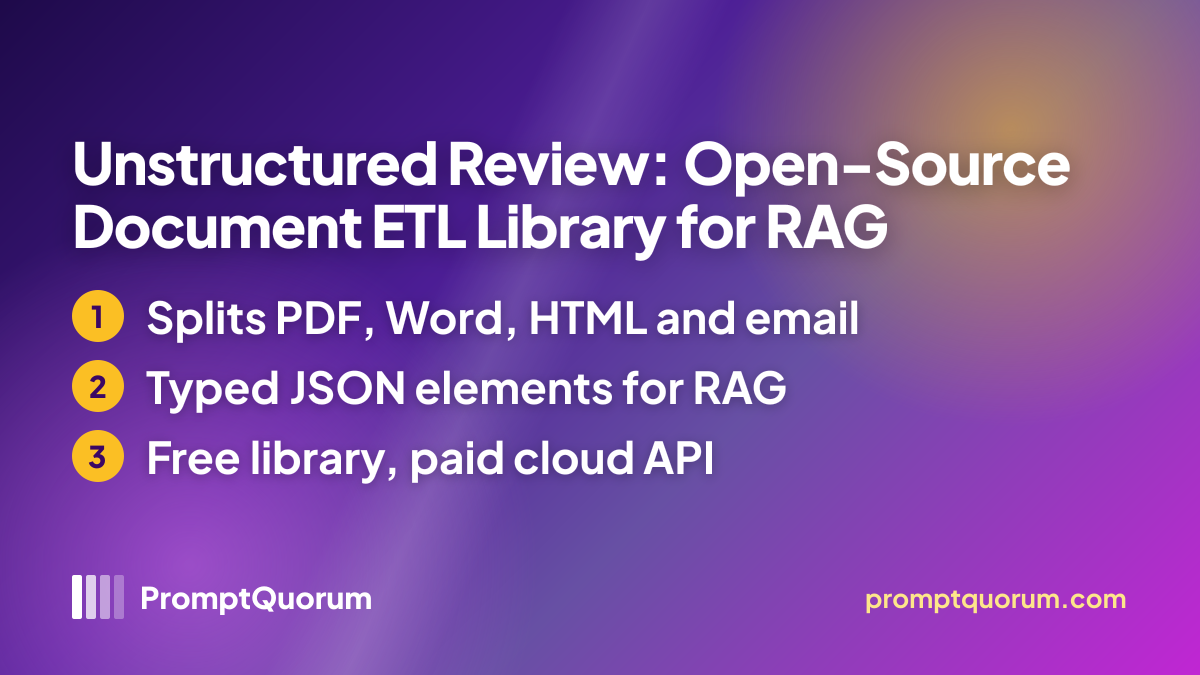
Unstructured is an open-source library that partitions documents into typed elements such as titles, narrative text, list items and tables, each with an ID, text and metadata. The documentation says the output follows Unstructured's canonical JSON schema, and the library also offers cleaning, chunking and connectors for loading data into other systems.
The maker is Unstructured Technologies, Inc., which the privacy policy and the website terms place at 901 H St, Sacramento, California. The same company sells the hosted API and pipelines described under Licence and Pricing; this review covers only the open-source library.
Install Unstructured
Unstructured installs with pip or runs as a Docker image, and PDFs, images and Office files also need external programs. There is no desktop installer and no store listing.
Option | How to get it |
|---|---|
| Python, basic | pip install unstructured: plain text, HTML, XML, JSON, email (README) |
| Python, all formats | pip install "unstructured[all-docs]"; single-type extras like unstructured[docx,pptx] |
| System programs | libmagic-dev, poppler-utils, tesseract-ocr, libreoffice by file type; pandoc is bundled |
| Docker | docker pull downloads.unstructured.io/unstructured-io/unstructured:latest (README) |
| Website | unstructured.io |
| Documentation | docs.unstructured.io |
| Privacy policy | Privacy policy |
| Source code | github.com/Unstructured-IO/unstructured, Apache 2.0 |
Version reviewed: 0.27.37, released on 6 November 2026; last upstream update 17 November 2026. A terminal and Python 3.11 to 3.13 (PyPI lists >=3.11,<3.14) are required, so this is a developer setup, not an app install. The README says its Docker images support x86_64 and Apple silicon and links a Windows installation guide.
Local Processing, Telemetry and the Hosted API
The README describes the open-source library as software you install and run yourself, by pip or in a Docker container. The documentation adds that for local document processing you manage your own infrastructure.
Analytics are on by default. The README says Unstructured sends one ping when the library is imported and one attempt per top-level partition call, carrying the package version, platform values and aggregate counts, and never document or element content, filenames or paths. Setting DO_NOT_TRACK or SCARF_NO_ANALYTICS to any non-empty value turns both off.
The hosted route is different. The documentation says the Unstructured Transform MCP server lets an MCP-compatible AI tool "send documents to Unstructured for partitioning", so files leave your machine on that route; read the privacy policy before sending confidential files.
📌Note: These are the maker's statements, not audit results. PromptQuorum has not inspected network traffic or the code.
What the Open-Source Library Does
- Input formats: the documentation's file-type table lists PDF, Word, PowerPoint, Excel, CSV, TSV, HTML, XML, Markdown, RTF, EPUB, OpenDocument text, Org Mode, reStructuredText, plain text, source code, email (.eml, .msg) and images (.png, .jpg, .jpeg, .tiff, .bmp, .heic).
- Output: typed elements with an ID, text and metadata; table elements can carry an HTML version in
text_as_html. - OCR and strategies: PDFs accept the strategies
auto,fast,hi_resandocr_only, and images acceptauto,hi_resandocr_only; the README lists Tesseract as a system dependency for both. - Tables: PDFs and images have an "Infer Table Structure" option, and the file-type table marks table support for Office, CSV, EPUB and several other formats.
- Positions: some document types give element coordinates as bounding-box corner points in
metadata.coordinates. - Languages: the PDF and image functions take an "OCR Languages" option, and elements carry a detected
languageslist. - Limits the overview page lists compared with the paid API: no incremental data loading, no ETL job scheduling or monitoring, and less sophisticated document-hierarchy detection.
Licence and Pricing
The library is licensed under Apache 2.0, per the repository's LICENSE file, and the README says "The open-source library is, and will stay, completely free."
The optional hosted service is priced on the pricing page: a free tier with 10,000 free pages, then USD 0.015 per page on pay-as-you-go, and custom pricing for the Business plan with a dedicated instance or VPC. The README says the hosted Transform models score higher than the library in the vendor's own benchmark; those figures are the vendor's and were not checked.
What We Could Not Verify
- Accuracy and speed. PromptQuorum measured nothing; the benchmark figures in the README are the vendor's own.
- Bounding boxes on PDFs. The documentation says only that "some document types" give coordinates; this review did not confirm which PDF strategies do.
- A local MCP server. The README and the pages checked describe no MCP server for the library itself; the documented MCP server is the hosted Transform one.
- Operating-system support. No support list was found beyond the Windows guide link and the Docker image platforms.
- Memory and hardware needs. No RAM or disk figure is stated.
Competitors and Alternatives
Docling
- Platforms:
- Linux, Mac, Windows
- Price / license:
- Free / MIT
- Key difference:
- Reads PDF, Office, HTML, EPUB and images into Markdown, JSON or HTML; MCP through a separate package
Articles about Docling (4)
- Docling Review: Open-Source PDF and Document Parser for RAGUpdated November 18, 2026
- Local PDF Parsers Compared (2026): Docling, Marker, MinerU, OpenDataLoader PDF and MoreUpdated November 18, 2026
- Nutrient Review: Commercial PDF SDK With a Markdown ConverterUpdated November 17, 2026
- OpenRAG Review: Open-Source Agentic RAG PlatformUpdated November 6, 2026
Also mentioned in:
- Local Coding Assistants, Agents & Workflow Tools Compared (2026): IDE Plugins, Agent Frameworks and Autonomous AgentsUpdated November 20, 2026
- Xberg Review: Open-Source Document Intelligence for LLM and RAG PipelinesUpdated November 18, 2026
- Marker Review: PDF-to-Markdown Converter with OCR and Table ExtractionUpdated November 17, 2026
- MinerU Review: Source-Available Document Parser for Markdown, LaTeX and RAGUpdated November 17, 2026
- OpenDataLoader PDF Review: Open-Source PDF Parser for RAGUpdated November 17, 2026
- Nekoni Review: A Self-Hosted AI Agent You Reach From Your iPhoneUpdated October 24, 2026
+1 more not shown
Marker
- Platforms:
- Linux, Mac, Windows
- Price / license:
- Freemium / Apache 2.0 (code)
- Key difference:
- Reads PDF, Office, HTML, EPUB and images into Markdown or JSON; model weights carry a separate licence with commercial limits
Articles about Marker (2)
- Marker Review: PDF-to-Markdown Converter with OCR and Table ExtractionUpdated November 17, 2026
- Local PDF Parsers Compared (2026): Docling, Marker, MinerU, OpenDataLoader PDF and MoreUpdated November 18, 2026
Also mentioned in:
- Docling Review: Open-Source PDF and Document Parser for RAGUpdated November 18, 2026
- FableCut Review: The Browser Video Editor AI Agents Can DriveUpdated November 18, 2026
- MinerU Review: Source-Available Document Parser for Markdown, LaTeX and RAGUpdated November 17, 2026
- Nutrient Review: Commercial PDF SDK With a Markdown ConverterUpdated November 17, 2026
- Local AI Agents for Business Workflows: EU Compliance Guide (2026)Updated November 6, 2026
- Local LLM Prompts for Fiction Writers: 15 Templates & Techniques (2026)Updated November 6, 2026
- AnythingLLM vs PrivateGPT vs Open WebUI: Best Local RAG in 2026Updated October 16, 2026
MinerU
- Platforms:
- Linux, Mac, Windows
- Price / license:
- Free / MinerU Open Source License
- Key difference:
- Outputs Markdown, HTML, LaTeX, DOCX and EPUB with cross-page table merging; commercial use above set thresholds needs a separate licence
Articles about MinerU (2)
- MinerU Review: Source-Available Document Parser for Markdown, LaTeX and RAGUpdated November 17, 2026
- Local PDF Parsers Compared (2026): Docling, Marker, MinerU, OpenDataLoader PDF and MoreUpdated November 18, 2026
Also mentioned in:
- Docling Review: Open-Source PDF and Document Parser for RAGUpdated November 18, 2026
- Marker Review: PDF-to-Markdown Converter with OCR and Table ExtractionUpdated November 17, 2026
OpenDataLoader PDF
- Platforms:
- Linux, Mac, Windows
- Price / license:
- Freemium / Apache 2.0
- Key difference:
- PDF only; outputs JSON with bounding boxes, Markdown and HTML; needs Java 11 or newer
Articles about OpenDataLoader PDF (2)
- OpenDataLoader PDF Review: Open-Source PDF Parser for RAGUpdated November 17, 2026
- Local PDF Parsers Compared (2026): Docling, Marker, MinerU, OpenDataLoader PDF and MoreUpdated November 18, 2026
Also mentioned in:
- Docling Review: Open-Source PDF and Document Parser for RAGUpdated November 18, 2026
- Marker Review: PDF-to-Markdown Converter with OCR and Table ExtractionUpdated November 17, 2026
- MinerU Review: Source-Available Document Parser for Markdown, LaTeX and RAGUpdated November 17, 2026
Confirm each tool's current price, licence and platforms on its own listing before choosing.
Frequently Asked Questions
Does Unstructured need a GPU?
It cannot use one: the documentation states that GPU usage is not supported for the open-source library.
Does it read emails and attachments?
It reads .eml and .msg files, and both partition functions list a "Process Attachments" option in the documentation.
Can I chunk the output for a vector database?
The library includes chunking, which the documentation says builds chunks from document elements rather than from text alone. Embeddings are not part of the core library, but the documentation says you can generate them as a separate step.
Does it connect to LangChain or LlamaIndex?
The documentation's integrations page lists both, along with Hugging Face, Pandas and Weaviate, as staging functions; the documentation also says staging is being deprecated in favour of the destination connectors in the Unstructured Ingest tools.
Does it run on a Mac with Apple silicon?
The README says its Docker images are built for both x86_64 and Apple silicon; it describes no per-chip route for the pip install.
Verdict
Unstructured is an Apache 2.0 route to typed, JSON-ready elements from many file types, and the README describes the free library as software you run yourself. Against that, it is a developer setup with external programs, its own documentation calls it a starting point for prototyping, and the vendor points to a paid cloud service for better tables. Choose it when one library has to cover mixed formats such as email and Office files; compare the PDF-focused tools above when your input is mainly PDFs.
Sources
- Unstructured on GitHub — README, license, release 0.27.37 and repository activity, checked 17 November 2026.
- unstructured on PyPI — package version 0.27.37 and the Python requirement, checked 17 November 2026.
- Open-source overview — limits, comparison with the paid API and the Transform MCP server, checked 17 November 2026.
- Partitioning documentation — supported file types, strategies and options, checked 17 November 2026.
- Document elements and metadata — element types, coordinates and
text_as_html, checked 17 November 2026. - Integrations — LangChain, LlamaIndex and other staging integrations, checked 17 November 2026.
- Pricing — free tier, pay-as-you-go and Business plans, checked 17 November 2026.
- Privacy policy and website terms — company name and address, checked 17 November 2026.