Best DeepSeek Distill for Your GPU (2026)
Match your GPU to a DeepSeek-R1 distill in one line: RTX 3060 12GB runs the 7B, RTX 4060 Ti 16GB runs the 14B, RTX 4090 runs the 32B (beats o1-mini), and dual-GPU runs the 70B. On an 8 GB card, run DeepSeek-R1-0528-Qwen3-8B — the strongest small reasoning distill. All commands default to Q4_K_M.
This page contains links to third-party products for reference. PromptQuorum is not enrolled in any affiliate program — these are plain links that earn no commission. Clicking links and your next steps are entirely your own responsibility. These links do not represent any endorsement or verification by PromptQuorum.
Quick Answer
Find your card: RTX 3060 12GB → 7B, RTX 4060 Ti 16GB → 14B, RTX 4070/4080 → 14B or 32B, RTX 4090 → 32B, dual-GPU/48 GB → 70B. For the best small model on 8 GB, run DeepSeek-R1-0528-Qwen3-8B. Each runs with one Ollama command at Q4_K_M.
- ▸RTX 3060 12GB → deepseek-r1:7b — ~30–40 tok/s
- ▸RTX 4060 Ti 16GB → deepseek-r1:14b — ~25–35 tok/s (recommended)
- ▸RTX 4070 / 4080 → deepseek-r1:14b or :32b — 14B ~40–50, 32B ~15–20 tok/s
- ▸RTX 4090 24GB → deepseek-r1:32b — ~30–40 tok/s, beats o1-mini
- ▸Dual-GPU / 48 GB → deepseek-r1:70b — ~12–18 tok/s
- ▸8 GB card, best small → DeepSeek-R1-0528-Qwen3-8B
Key Takeaways
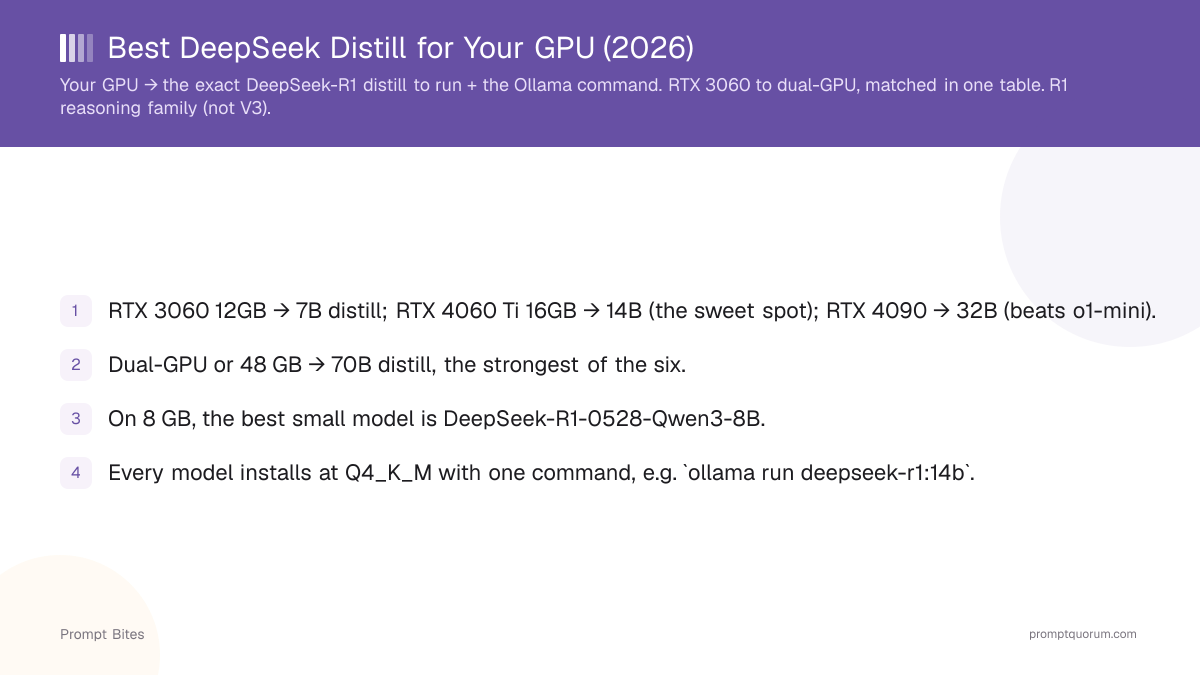
- ✓RTX 3060 12GB → 7B distill; RTX 4060 Ti 16GB → 14B (the sweet spot); RTX 4090 → 32B (beats o1-mini).
- ✓Dual-GPU or 48 GB → 70B distill, the strongest of the six.
- ✓On 8 GB, the best small model is DeepSeek-R1-0528-Qwen3-8B.
- ✓Every model installs at Q4_K_M with one command, e.g. `ollama run deepseek-r1:14b`.
- ✓Set temperature to 0.6 and use no system prompt to avoid R1 repetition failures.
- ✓This is the R1 reasoning family — not DeepSeek-V3, which is a chat model.
GPU → DeepSeek-R1 Distill → Ollama Command
Find the GPU you own in the first column and read across. The tok/s figures are approximate for Q4_K_M reasoning workloads and vary with context length and sampling settings. When two models fit, the larger one reasons better; the smaller one is faster.
| GPU (VRAM) | Best Distill | Ollama Command | Expected tok/s |
|---|---|---|---|
| RTX 3060 12GB (8 GB tier) | DeepSeek-R1-Distill-Qwen-7B | ollama run deepseek-r1:7b | ~30–40 |
| 8 GB, best small | DeepSeek-R1-0528-Qwen3-8B | ollama run deepseek-r1-0528-qwen3:8b | ~30–40 |
| RTX 4060 Ti 16GB | DeepSeek-R1-Distill-Qwen-14B | ollama run deepseek-r1:14b | ~25–35 |
| RTX 4070 / 4080 | 14B (fast) or 32B (if 16 GB+) | ollama run deepseek-r1:14b | 14B ~40–50 |
| RTX 4090 24GB | DeepSeek-R1-Distill-Qwen-32B | ollama run deepseek-r1:32b | ~30–40 |
| Dual-GPU / 48 GB | DeepSeek-R1-Distill-Llama-70B | ollama run deepseek-r1:70b | ~12–18 |
How to Use This Table in 3 Steps
Three lines: (1) find your GPU and its VRAM, (2) run the matching Ollama command, (3) set temperature 0.6 and clear the system prompt. If a model is too slow, drop one tier; if you have spare VRAM, move up a tier for better reasoning.
V3 vs R1: This Table Is R1 Only
**DeepSeek-R1 is the reasoning family these commands install; DeepSeek-V3 is a separate chat model.** Do not expect a V3 experience from these distills — they are tuned to show step-by-step reasoning for math and logic. V3 is also a 671B MoE and not consumer-runnable; see the [DeepSeek V3 hardware bite](/prompt-bites/deepseek-v3-local-hardware-requirements).
**Update:** DeepSeek has since released DeepSeek-V4 (Flash and Pro) as its newer flagship generation, also available as open weights. The R1 distills covered here are not being discontinued and remain fully valid to run locally — if you want the newest architecture, V4 is worth evaluating alongside them.
Related Guides
- ▸DeepSeek-R1 Distill VRAM Cheatsheet — every distill by quant (Q4_K_M, Q8, FP16) with VRAM and min-GPU
- ▸Best Local Reasoning Model 2026: DeepSeek-R1 Ranked — the full ranked guide with benchmarks and tiers
- ▸DeepSeek V3 Local Hardware Requirements — the V3 chat-model counterpart
Frequently Asked Questions
What DeepSeek distill runs on an RTX 4090?▾
What is the best DeepSeek distill for an 8 GB GPU?▾
Why is my distill slow?▾
Do I need to pick a quantization?▾
Want the full breakdown?
Read the complete guide →Related Prompt Bites