Best Mini PC for an Always-On Ollama Server (2026)
The Minisforum UM890 Pro (AMD Ryzen 9 8945HS, 32–96 GB RAM, Radeon 780M iGPU) is the best mini PC for an always-on Ollama server in 2026: runs 7B models at 12–18 tok/s CPU-only, draws 25–45 W under load, and fits inside a drawer.
This page contains links to third-party products for reference. PromptQuorum is not enrolled in any affiliate program — these are plain links that earn no commission. Clicking links and your next steps are entirely your own responsibility. These links do not represent any endorsement or verification by PromptQuorum.
Key Takeaways
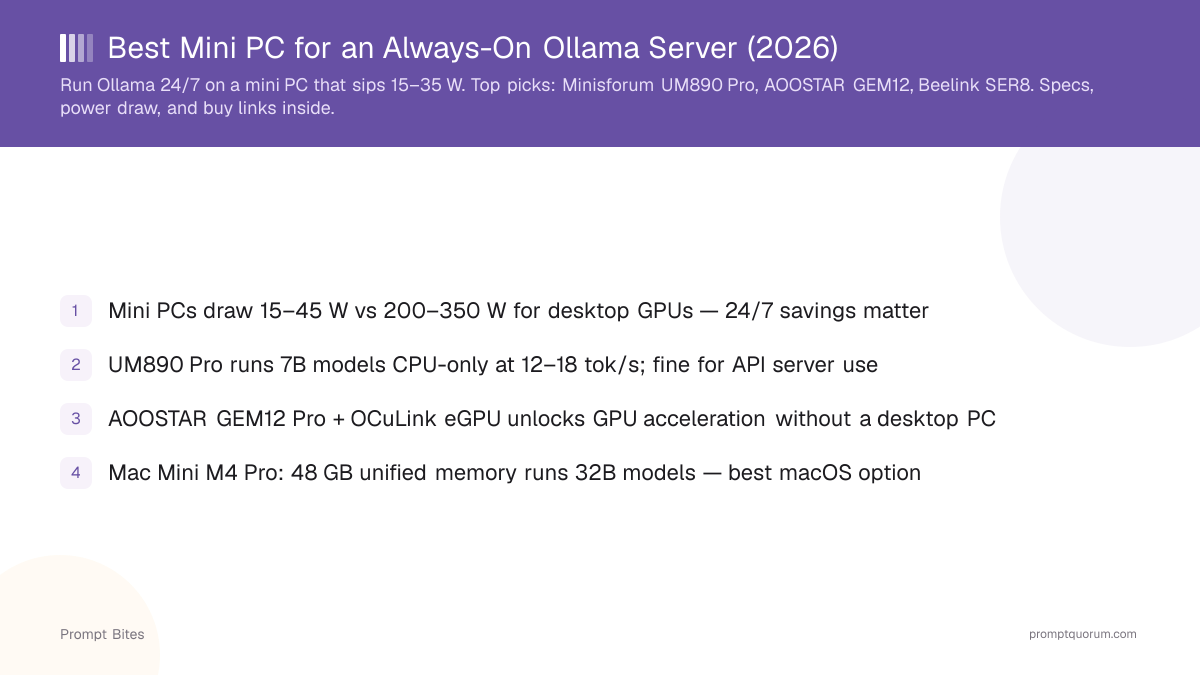
- ✓Mini PCs draw 15–45 W vs 200–350 W for desktop GPUs — 24/7 savings matter
- ✓UM890 Pro runs 7B models CPU-only at 12–18 tok/s; fine for API server use
- ✓AOOSTAR GEM12 Pro + OCuLink eGPU unlocks GPU acceleration without a desktop PC
- ✓Mac Mini M5 Pro: 64 GB unified memory is the ceiling for 30B-class models; base M6 tops out at 32 GB — both ship Sept 22, 2026
- ✓Beelink SER8 is the <$400 starting point — 32 GB RAM for 7B and 13B
Best Mini PCs for Always-On Ollama Server — Ranked
📍 In One Sentence
The Minisforum UM890 Pro is the best mini PC for an always-on Ollama server because it combines fast CPU inference, up to 96 GB DDR5 RAM, and sub-50 W power draw.
💬 In Plain Terms
A mini PC running Ollama can serve AI responses to your whole home network around the clock, using less power than a lightbulb. More RAM = larger models. OCuLink = add a real GPU without a full desktop.
Minisforum UM890 Pro — Best Overall
The Minisforum UM890 Pro runs the AMD Ryzen 9 8945HS (8-core, up to 5.2 GHz) and supports up to 96 GB DDR5-5600 dual-channel RAM — enough to load Llama 3.3 70B at Q4 entirely in RAM. The Radeon 780M iGPU (12 RDNA3 CUs) accelerates 7B and 13B models at 8–14 tok/s via ROCm. CPU-only 7B Q4 speed: ~12–18 tok/s. Idle power: ~15 W. Load (GPU active): ~35–45 W. Price: ~$500 (32 GB/1 TB) to $600 (64 GB).
AOOSTAR GEM12 Pro OCuLink — Best for eGPU
The AOOSTAR GEM12 Pro OCuLink adds an OCuLink port that connects to an external GPU at PCIe 4.0 x4 bandwidth (64 Gbps) — enough to run an RTX 3090 at full speed for Ollama. Without eGPU: same as other mini PCs, 13–18 tok/s CPU-only. With RTX 3090 eGPU: 60–80 tok/s on 7B Q4. The mini PC itself runs AMD Ryzen 7 Pro 8845HS with 32–96 GB DDR5. OCuLink to PCIe adapter required (~$30). Barebone price: ~$380; configured (32 GB/1 TB): ~$480.
Beelink SER8 — Best Budget Pick
The Beelink SER8 runs the AMD Ryzen 7 8745HS (8-core, up to 4.9 GHz) with 32 GB DDR5 and 1 TB NVMe SSD for ~$450. CPU-only Ollama speed: ~10–15 tok/s on 7B Q4. Idle power: 10–15 W. RAM is user-upgradeable (not soldered on current 8745HS revision). If you want a solid entry into always-on Ollama without spending $500+, the SER8 covers 7B and 13B models well.
Apple Mac Mini M6 / M5 Pro — Best for macOS
Apple refreshed the Mac Mini lineup on August 25, 2026, replacing the M4 generation. The Mac Mini M6 starts at $899 with up to 32 GB unified memory and 170 GB/s bandwidth. The Mac Mini M5 Pro starts at $1,699 with up to 64 GB unified memory, 307 GB/s bandwidth, and Thunderbolt 5. Both ship September 22, 2026. For an always-on Ollama server, the memory ceiling is what matters: 32 GB (M6) comfortably fits 7B–13B models with headroom for the OS, while 64 GB (M5 Pro) is what you need to load 30B-class models at Q4 without spilling to swap. No independent Ollama benchmarks exist yet for either chip — PromptQuorum has not tested this hardware, and tok/s figures will follow once real-world numbers are available.
Always-On Electricity Cost Comparison
At $0.15/kWh (US average), running 24/7 for 30 days:
| Device | Avg Load Power | Monthly Cost (24/7) |
|---|---|---|
| Minisforum UM890 Pro | 35 W | ~$3.78/mo |
| Beelink SER8 | 25 W | ~$2.70/mo |
| Mac Mini M6 / M5 Pro | Not yet benchmarked | TBD after independent tests |
| Desktop RTX 4060 Ti (comparison) | 200 W | ~$21.60/mo |
| Cloud API (GPT-5.5-mini, 1M tok/day) | N/A | ~$45–90/mo |
Related Guides
- ▸Ollama Latest Version: What's New? -- Ollama updates
- ▸Best Mini PC for Local LLM -- mini PC guide
- ▸How Much RAM Does a 7B Model Need? -- RAM requirements
- ▸Best Ollama Models for CPU-Only Inference -- CPU inference guide
- ▸Best SSD for Fast Model Loading -- SSD guide
- ▸Best VPN for Downloading AI Models -- VPN guide
Quick Answers
Can a mini PC run 13B or larger models at useful speed?▾
Does Ollama work well as a network server on a mini PC?▾
What about eGPU setups — are they worth it?▾
Want the full breakdown?
Read the complete guide →