Local AI Trends 2027, Part 5 of 10: Frontier-Class Compute Comes to the Desktop
By 2027, a new tier of desktop-form-factor AI workstations — built around unified-memory architectures instead of a single gaming GPU — will let a narrow set of power users and small teams run open-weight models much closer to frontier scale entirely on local hardware. This sits between a conventional gaming-GPU workstation and a full multi-GPU server rack, and analysts expect it to remain a specialist category rather than a mainstream upgrade path.
Quick Answer
A new tier of desktop-form-factor AI workstations, built around unified-memory architectures rather than a single discrete GPU, is emerging between a conventional gaming-GPU workstation and a full server rack. These systems pool CPU and GPU memory into one addressable space, letting a single desktop machine hold and run open-weight models with far more parameters than a normal consumer GPU's VRAM allows. Pricing sits at workstation-class levels, well above a single high-end gaming GPU, so this matters for a narrow slice of power users and small teams doing serious local model work, not the average hobbyist.
- ▸Unified memory architecture is the core shift: CPU and GPU share one large memory pool instead of being capped by a single GPU's VRAM
- ▸Pricing sits at workstation-class levels — well above a single high-end gaming GPU — so this is not a mainstream upgrade
- ▸Best fit: power users and small teams doing local fine-tuning, research, or private inference on larger open-weight models
- ▸Not a replacement for a multi-GPU server rack, which still wins on raw throughput for production workloads with many concurrent users
Key Takeaways
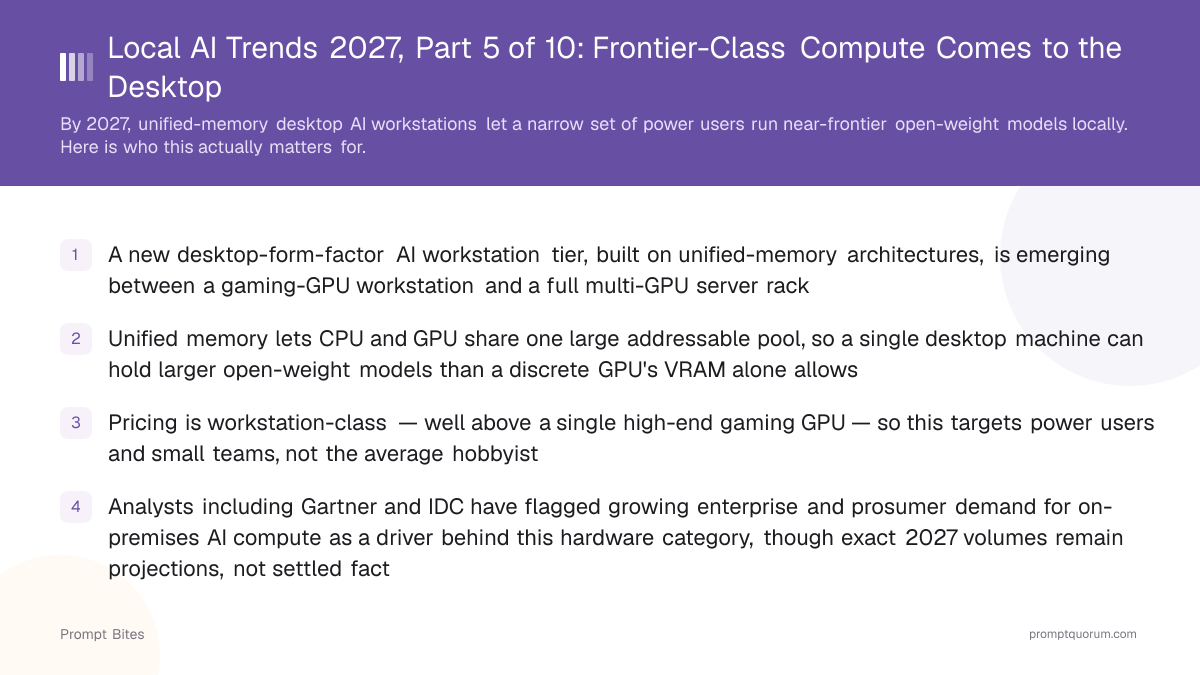
- ✓A new desktop-form-factor AI workstation tier, built on unified-memory architectures, is emerging between a gaming-GPU workstation and a full multi-GPU server rack
- ✓Unified memory lets CPU and GPU share one large addressable pool, so a single desktop machine can hold larger open-weight models than a discrete GPU's VRAM alone allows
- ✓Pricing is workstation-class — well above a single high-end gaming GPU — so this targets power users and small teams, not the average hobbyist
- ✓Analysts including Gartner and IDC have flagged growing enterprise and prosumer demand for on-premises AI compute as a driver behind this hardware category, though exact 2027 volumes remain projections, not settled fact
- ✓This is Part 5 of a 10-part Local AI Trends 2027 series — see also hybrid local-cloud routing, AI NAS home servers, and local agentic AI for related shifts
What's Actually Changing in Desktop AI Hardware by 2027?
**Unified memory architecture, not a faster GPU, is the core change driving this new desktop tier.** Traditional workstations pair a CPU with its own RAM and a discrete GPU with separate, much smaller VRAM — the GPU's VRAM capacity has always been the hard ceiling on how large a model you can load. Unified-memory desktop systems instead pool CPU and GPU memory into a single addressable space, letting the GPU compute engine reach far more memory than any single discrete GPU carries.
This is the same underlying idea that unified memory brought to consumer laptops, scaled up into a purpose-built desktop chassis aimed at AI workloads rather than general computing. Gartner has flagged memory-disaggregation approaches as a factor reshaping demand for high-end workstation hardware as organizations look to keep more AI workloads on-premises, and IDC has separately tracked rising enterprise investment in on-premises AI infrastructure driven by data-governance requirements — though both firms frame this as a directional shift, not a precise 2027 unit-shipment forecast.
This is Part 5 of PromptQuorum's 10-part Local AI Trends 2027 series. See also [hybrid local-cloud routing](/prompt-bites/local-ai-trend-2027-hybrid-local-cloud-routing), [AI NAS home servers](/prompt-bites/local-ai-trend-2027-ai-nas-home-server), and [local agentic AI](/prompt-bites/local-ai-trend-2027-local-agentic-ai) for other shifts arriving alongside this one.
- ▸Use a unified-memory desktop workstation if you need to load and run open-weight models substantially larger than a single high-end gaming GPU's VRAM supports, entirely offline.
- ▸Avoid it if your models already fit comfortably in the VRAM range of a single high-end gaming GPU — a conventional workstation build remains cheaper and simpler for that range.
- ▸Choose a multi-GPU server rack instead if you need production-grade throughput across many concurrent users, not just headroom to load a bigger model on one machine.
Who Does Frontier-Class Desktop Compute Actually Matter For?
**This hardware tier matters for power users and small teams doing serious local AI work, not the average hobbyist running a chat assistant.** The relevant buyer already hits a hard capacity wall on a high-end gaming GPU — needing to load a much larger open-weight model, fine-tune on private data, or run several large models side by side for research or product development.
For context on what actually fits inside a single-GPU workstation today and where that ceiling sits, see [our local LLM workstation build guide](/local-llms/local-llm-workstation-build), [best workstation builds for local AI](/power-local-llm/best-workstation-build-local-ai-2026), and [our local AI workstation buying guide](/power-local-llm/local-ai-workstation-build-guide-2026) — all three cover the conventional gaming-GPU tier this new category sits above.
- ▸Best for: independent researchers and small AI teams running local fine-tuning jobs on open-weight models too large for a single gaming GPU.
- ▸Best for: privacy-focused engineering teams that need to keep a large model's weights and inference entirely on-premises for compliance reasons.
- ▸Best for: developers prototyping against a larger open-weight model before deciding whether to commit to renting dedicated cloud GPU capacity.
- ▸Not for: casual local LLM users running smaller models for chat or coding assistance — a conventional gaming-GPU workstation is cheaper and simpler at that scale.
- ▸Not for: production services with many concurrent users — that workload profile still favors a dedicated multi-GPU server rack over a single desktop unit.
How Does This Fit Between a Gaming GPU and a Server Rack?
**Treat this new desktop tier as a distinct middle rung, not a replacement for either end of the spectrum.** A single high-end gaming GPU remains the cheapest entry point for running smaller open-weight models locally. A multi-GPU server rack remains the right choice for production inference serving many users at once. The unified-memory desktop workstation sits between them: still a single desktop machine, but with enough addressable memory to load models a discrete gaming GPU cannot.
Even with this expanded desktop capacity, today's largest open-weight frontier-scale models still do not fit on a single desktop unit — see [our analysis of frontier-scale open-weight models](/local-llms/glm-5-2-open-weights-frontier-2026) for why that gap persists and what it would take to close it.
| Tier | Best For | Typical Cost Tier |
|---|---|---|
| Gaming-GPU workstation | Smaller open-weight models that fit a single consumer GPU | Consumer GPU pricing |
| Unified-memory desktop AI workstation | Larger open-weight models a power user needs to load locally | Workstation-class pricing, well above a single high-end gaming GPU |
| Multi-GPU server rack | Production inference for many concurrent users | Server-class capital and operating cost |
- ▸If unsure, start with a conventional gaming-GPU workstation and only move to a unified-memory desktop system once you hit a hard capacity wall that occasional cloud GPU rental does not solve cheaply enough for your workload.
Frequently Asked Questions
Will this replace a gaming-GPU workstation for most local LLM users?▾
How is a unified-memory desktop workstation different from renting a cloud GPU?▾
Does more memory capacity always mean better model performance?▾
Is this trend specific to one hardware vendor?▾
Related Prompt Bites
- ▸Local AI Trends 2027, Part 1 of 10: The Cloud Pricing Reset
- ▸Local AI Trends 2027, Part 2 of 10: AI PCs Everywhere, NPUs Still Catching Up
- ▸Local AI Trends 2027, Part 3 of 10: Small Models Take Over the Boring Jobs
- ▸Local AI Trends 2027, Part 4 of 10: Private RAG Becomes Default Infrastructure
- ▸Local AI Trends 2027, Part 6 of 10: Hybrid Routing Becomes a Product Category
- ▸Local AI Trends 2027, Part 7 of 10: The NAS Becomes an Always-On AI Memory Layer
- ▸Local AI Trends 2027, Part 8 of 10: Local Agents Get a Longer Leash
- ▸Local AI Trends 2027, Part 9 of 10: The Regulatory Calendar Local AI Teams Should Watch
- ▸Local AI Trends 2027, Part 10 of 10: Fine-Tuning Without Writing a Training Script