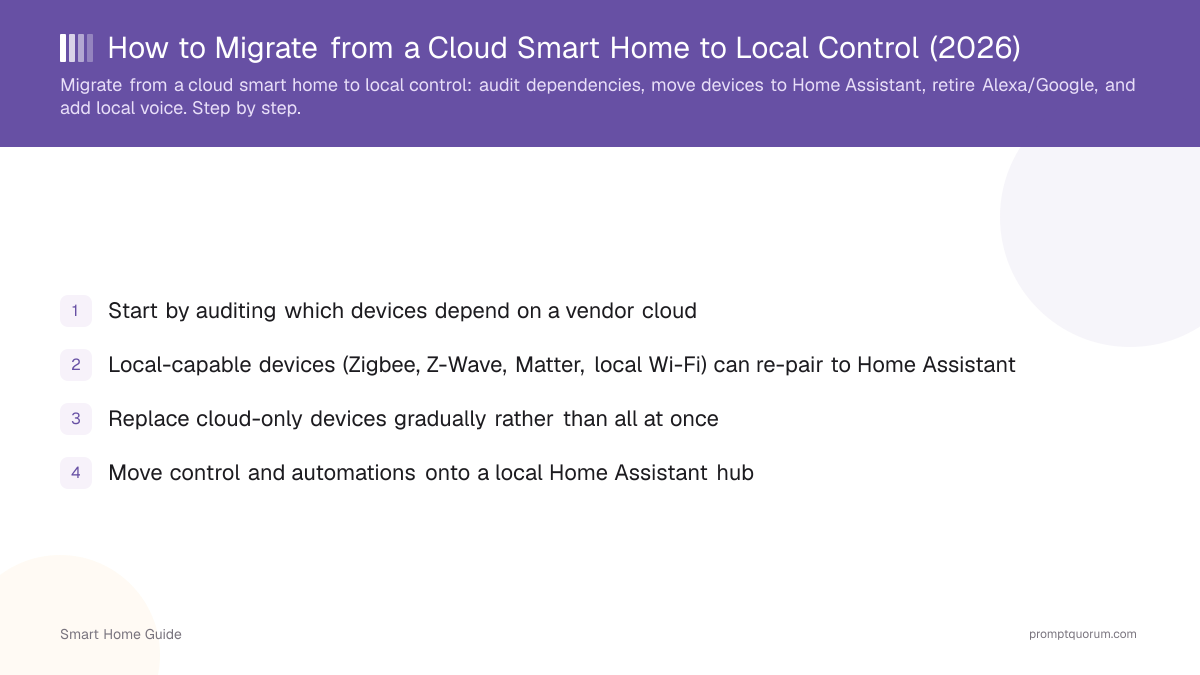
Key Takeaways
- Start by auditing which devices depend on a vendor cloud
- Local-capable devices (Zigbee, Z-Wave, Matter, local Wi-Fi) can re-pair to Home Assistant
- Replace cloud-only devices gradually rather than all at once
- Move control and automations onto a local Home Assistant hub
- Retire Alexa/Google by adding a local voice assistant
- Migrate room by room so the home keeps working throughout
Audit Your Cloud Dependencies
List every device and note which need a vendor cloud to function. This tells you what can re-pair locally and what must be replaced.
- 1Inventory your devices by room and brand.
- 2Note the protocol each uses (Zigbee, Z-Wave, Matter, Wi-Fi).
- 3Flag devices that require a cloud account for basic control.
- 4Identify which automations currently run in a vendor cloud.
Which Devices Can Go Local
Devices using Zigbee, Z-Wave, Matter, or a local Wi-Fi API can move to local control; cloud-only devices generally cannot without replacement. Check the protocol first.
- Zigbee and Z-Wave devices re-pair to a coordinator on your hub.
- Matter devices can commission to a local controller — see Matter local control.
- Local-Wi-Fi devices with a documented local API can be controlled locally.
Replace vs Re-pair
Re-pair local-capable devices to your hub; replace cloud-only devices over time as budget allows. Prioritise replacing the highest-privacy-risk cloud devices first.
Device type | Can go local? | How |
|---|---|---|
| Zigbee/Z-Wave bulbs & sensors | Yes | Re-pair to a coordinator on the hub |
| Matter devices | Yes | Commission to a local controller |
| Local-Wi-Fi devices (local API) | Yes | Add via integration |
| Cloud-only cameras | Often no | Replace with local RTSP + Frigate |
| Cloud voice assistants | Replace | Add local voice assistant |
Move to Home Assistant
Set up Home Assistant as your local hub and migrate devices and automations onto it. This becomes the control plane that replaces the vendor cloud.
- Install Home Assistant and add a Zigbee/Z-Wave coordinator — see Home Assistant getting started.
- Re-pair devices and rebuild automations locally.
- Confirm everything works offline before retiring cloud services.
Retire Alexa/Google
Once local control and a local voice assistant work, retire the cloud assistants and accounts. Do this last so you keep voice control during the transition.
- Verify local control covers what you used Alexa/Google for.
- Remove devices from the vendor apps and disable the accounts.
- Keep deterministic safety automations on the local hub.
Add Local Voice
Replace cloud voice with a local assistant so you keep hands-free control without the cloud. This is the final step of a full migration.
- Build a local voice assistant with Assist + Whisper + Piper — see the local voice assistant guide.
- Add a local LLM for natural-language understanding — see running your smart home on a local LLM.
- For the full destination state, see the complete local smart home guide.
Upgrading the Phone That Runs Your Smart Home
Your devices pair to your hub, not to your phone, so a new phone does not mean re-pairing everything — you sign the new phone in again and re-grant a few permissions. The exception is any ecosystem that ties the home to a phone-platform account.
- Zigbee, Z-Wave and Thread devices stay paired to the coordinator or border router on your hub; the phone is only a remote control.
- Home Assistant: install the Companion app on the new phone, sign in with your Home Assistant credentials, choose a device name, and re-grant location and notification permissions — see Companion app setup.
- Remove the old phone's entry under the Mobile App integration and from your Person entity, otherwise duplicate sensors and location glitches can appear — see Companion app troubleshooting.
- Apple Home: Matter pairings sync through iCloud Keychain, so sign in with the same Apple Account; Thread accessories still need a home hub such as a HomePod mini or Apple TV — see Apple: pair and manage Matter accessories.
- Vendor cloud apps: sign in with the same vendor account; the devices belong to the account, not the phone.
- Switching from iPhone to Android is different: the Apple Home app is not available on Android, and moving a Matter device between ecosystems means generating a new pairing code in the current app or removing and re-commissioning it. A hub-based setup like Home Assistant avoids this.
- Keep the old phone until the new one controls everything, and do not factory-reset it before then.
Frequently Asked Questions
Can I keep my existing devices?
Many of them, yes. Devices using Zigbee, Z-Wave, Matter, or a local Wi-Fi API can re-pair to a local hub like Home Assistant. Only cloud-only devices that require a vendor account for basic control need replacing over time.
What can't go local?
Cloud-only devices that depend entirely on a vendor cloud — often some cameras, doorbells, and proprietary ecosystems — generally cannot go local and need replacing with local-capable alternatives such as RTSP cameras paired with Frigate.
How long does migration take?
It varies with the size of your setup, but migrating room by room spreads the work and avoids downtime. Many people move the core hub and a few rooms in a weekend, then replace cloud-only devices gradually over weeks.
Do I lose voice control when I migrate?
No, if you add a local voice assistant before retiring the cloud one. A local stack of Assist, Whisper, and Piper, optionally with a local LLM, replaces Alexa or Google for hands-free control without the cloud.
Do I need to re-pair my smart home devices when I get a new phone?
Usually not. Devices are paired to your hub or home account, not to the phone, so you install the app on the new phone and sign in again. With Home Assistant you also re-grant location and notification permissions and remove the old phone's device entry; switching between iPhone and Android is the case that can require re-commissioning.