What Is Onyx?
Onyx is a self-hosted application layer for large language models — per its own GitHub description, "bringing a feature-rich interface that can be easily hosted by anyone." It combines enterprise search across connected data sources, retrieval-augmented generation, custom agents, and tool-using "actions" into one hosted application, rather than a code-first framework you assemble yourself.
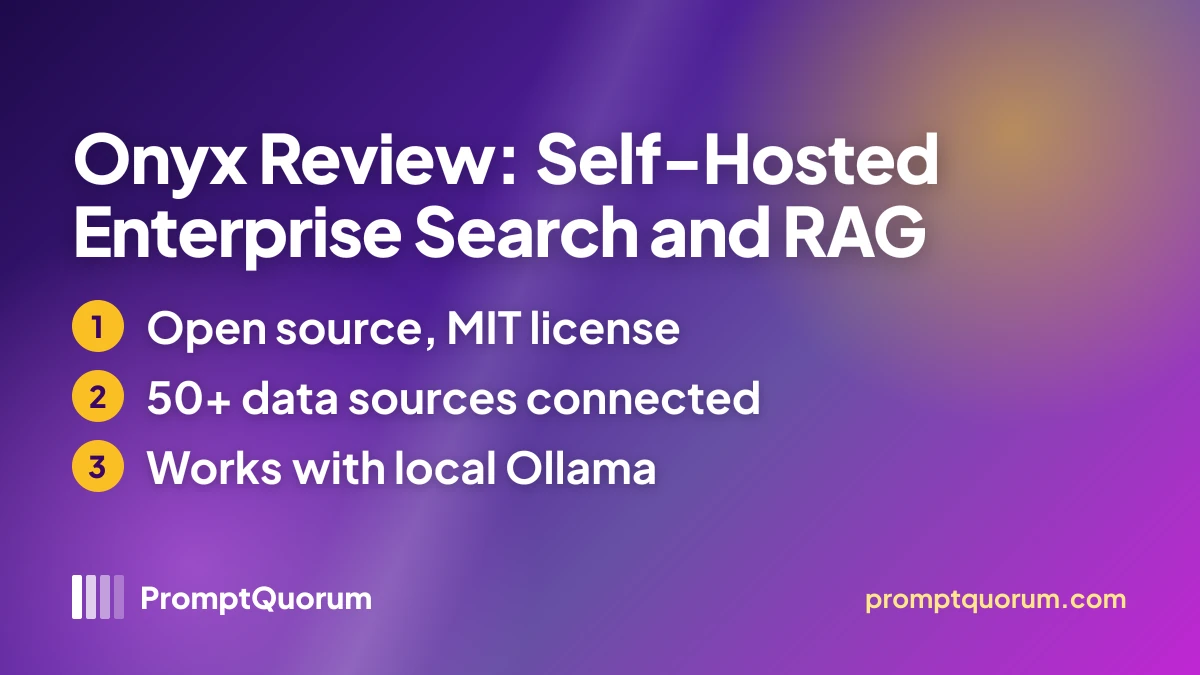
- Core function: index documents from 50+ connected sources, then answer natural-language questions against that index through chat, with citations back to the source document
- Model access: provider-agnostic per Onyx's own documentation — connects to self-hosted options (Ollama, LiteLLM, vLLM) as well as proprietary providers (OpenAI, Anthropic, Gemini)
- Developer: onyx-dot-app, a company backed by Y Combinator's Winter 2024 (W24) batch; the project publicly launched on Hacker News as "Onyx (YC W24) — Open-source chat UI"
- Canonical repository: github.com/onyx-dot-app/onyx — the active home of Onyx's source code, issue tracker, and release notes; a separate but related repository, github.com/onyx-dot-app/onyx-foss, also exists for the fully open-source (FOSS) build
Is Onyx the Same Project as Danswer?
Yes. Onyx is the renamed continuation of the open-source project originally published as Danswer, not a separate fork or a competing product. The rename carried the codebase, GitHub commit history, and company backing forward under the new name.
- Danswer launched as an open-source "ask questions in natural language, get answers backed by private sources" tool, connecting to services like Slack, GitHub, and Confluence
- The project rebranded to Onyx; internal environment variables and code identifiers were renamed from a
DANSWER_*prefix toONYX_*during the transition, per changes visible in the project's GitHub history - The company behind the project is backed by Y Combinator's Winter 2024 (W24) batch — a fact that predates and carried through the rename
- Older mirrors and forks of the pre-rename codebase — for example unoplat/danswer — remain visible on GitHub under the old name; these are not actively maintained continuations of the current project
How Do You Self-Host Onyx?
Onyx's documented quick-start install is a one-line script that handles Docker setup automatically, or a dedicated CLI tool for more control. Both paths install the full application stack, including its search index and database.
- 1Choose an install method: the one-line script, or the dedicated CLI.
Why it matters: The one-line script (`curl -fsSL https://onyx.app/install_onyx.sh | bash` on Linux/macOS, or the PowerShell equivalent on Windows) automatically installs Docker if it is missing; the CLI (`uv tool install onyx-cli && onyx-cli deploy install`) gives more control and is Onyx's own documented recommended method. - 2Run the installer and choose a deployment mode — Lite or Standard — when prompted.
Why it matters: The installer checks system resources and requirements before proceeding, and the mode you choose determines which optional components (for example, additional search infrastructure) get deployed. - 3Once the installer finishes, open the local URL it reports in a browser to complete first-run setup and create an administrator account.
Why it matters: This is the same first-run pattern used by most self-hosted web applications: the container stack starts, then you configure it through the web UI rather than a config file. - 4Add a model provider under admin settings — either Ollama (for local models) or a cloud provider (API key required).
Why it matters: Onyx has no built-in inference engine of its own; every model, local or cloud, is added as a separate provider entry before chat or RAG features can answer questions. - 5Connect one or more data sources under the connectors section, then let Onyx index them before asking questions.
Why it matters: Search quality depends on what is connected and indexed — Onyx cannot answer questions about a data source it has not been connected to.
How Does Onyx Connect to Local Ollama Models?
Onyx does not run model inference itself — it connects to a separate local inference server, most commonly Ollama, through a model-provider entry in its admin settings. To use a local model, you first pull that model into Ollama, then register it inside Onyx.
- In Onyx's admin panel, under LLM providers, add a new provider and select Ollama (or a compatible OpenAI-format endpoint)
- Enter the address of the Ollama server (for example,
http://localhost:11434for a local install, or a LAN/remote address if Ollama runs on a different machine) - Enter the model name that matches what Ollama is serving
- Once added, the local model appears alongside any connected cloud model, so a search assistant or agent can use it identically
- Onyx also documents LiteLLM and vLLM as alternative self-hosted backends, using the same general provider pattern
What Can You Build With Onyx?
Onyx's feature set centers on turning scattered organizational knowledge into a single, searchable, conversational interface. Details below are drawn from Onyx's own GitHub README and documentation.
- Enterprise search — a hybrid index (per Onyx's own positioning) combining keyword and semantic search across all connected sources, designed to stay accurate at a scale of tens of millions of documents; the index runs on a fixed Vespa backend, and Onyx does not support swapping in an alternative vector store
- 50+ connectors — built-in connectors to services including Slack, Confluence, Google Drive, GitHub, Notion, and Jira, so existing organizational knowledge does not need to be manually re-uploaded
- Agentic RAG and deep research — multi-step retrieval and reasoning workflows, not just single-turn question answering, per Onyx's own feature description
- Web search integration — connects to Serper, Google Programmable Search Engine, Brave, or SearXNG for live web results alongside internal document search
- Custom agents and actions — configure agents with specific instructions and knowledge, and connect "actions" (including MCP-based tools) for agent-style, tool-using workflows; this is code- and spec-based configuration, not a visual drag-and-drop builder — Onyx's own docs describe it as "not a no-code agent builder"
- Code execution and file generation — sandboxed code execution and document/artifact generation, per Onyx's current feature list
- Voice mode and image generation — additional modalities beyond text chat, per Onyx's own documentation
Onyx Licensing: Community vs. Enterprise Edition
Onyx Community Edition (CE) is free and open source under the MIT license and covers the core chat, RAG, agent, and actions functionality. Enterprise Edition (EE) adds features aimed at larger organizations under a separate, proprietary license.
Edition | License | Price | Notable Features |
|---|---|---|---|
| Community (CE) | MIT | Free | Chat, RAG, agents, actions, 50+ connectors |
| Enterprise (EE) | Proprietary | Contact sales | SSO, role-based access control, analytics, white-labeling |
Pricing for the Enterprise Edition is not published as a fixed number on onyx.app as of this review — check the official site directly for current terms, since vendor pricing for enterprise tiers commonly requires a sales conversation and can change without notice.
Who Should Use Onyx?
Onyx fits organizations that want a single search-and-chat interface over many existing tools, with the option to keep model inference local.
Use Onyx if
- You want to search and ask questions across many existing tools (Slack, Confluence, Google Drive, GitHub, and more) from one interface, instead of searching each separately
- You want the option to route model inference to a local Ollama instance rather than only cloud APIs
- You need more than a handful of built-in data connectors — Onyx's 50+ connector library is one of its main differentiators
- You are comfortable self-hosting via Docker, Kubernetes, or Helm rather than using a managed SaaS product
Avoid Onyx if
- You need enterprise features (SSO, RBAC, analytics, white-labeling) but cannot budget for the separate Enterprise Edition license
- You want a lightweight, single-purpose document-chat tool rather than a full enterprise search platform — AnythingLLM or PrivateGPT are simpler alternatives
- You want a local-LLM-first tool by design — Onyx is provider-agnostic and works well with cloud models too, so it is not purpose-built around local inference the way some other tools in this directory are
Onyx vs. MaxKB, AnythingLLM, and PrivateGPT
Onyx overlaps with several other self-hosted RAG and document-search platforms — the difference is connector breadth, licensing, and how enterprise-oriented the feature set is.
Tool | Interface | License | Best For |
|---|---|---|---|
| Onyx | Enterprise search + RAG + agents | MIT (CE) + proprietary (EE) | 50+ connectors, hybrid search at large document scale |
| MaxKB | Web UI + RAG + agents | GPL-3.0 | Docker-deployed RAG/agent platform with local model support |
| AnythingLLM | Chat + RAG | MIT | Lightweight self-hosted document chat |
| PrivateGPT | Web + CLI, fully offline RAG | Apache 2.0 | Fully offline, enterprise-leaning document RAG |
All four tools can connect to local models: Onyx, MaxKB, and AnythingLLM add Ollama as a model provider; PrivateGPT is designed to run fully offline by default. Onyx's main differentiator among these four is its 50+ built-in connector library for indexing existing organizational tools, rather than only local file uploads.
Common Mistakes When Evaluating Onyx
Mistake 1: Treating "Danswer" search results as a different product
Danswer is the previous name of Onyx, not a competing or abandoned product. If you find older reviews, forks, or documentation referencing Danswer, they describe an earlier version of the same project now published as Onyx.
Mistake 2: Assuming Onyx is a local-LLM-first tool
Onyx is explicitly provider-agnostic — it works well with cloud models (OpenAI, Anthropic, Gemini) and does not push users toward local inference by default. If your priority is a tool purpose-built around running local models, weigh that against Onyx's broader, provider-neutral positioning.
Mistake 3: Assuming the free Community Edition includes enterprise features
SSO, role-based access control, analytics, and white-labeling are Enterprise Edition (EE) features under a separate proprietary license, not part of the free MIT-licensed Community Edition. Check current EE terms directly with Onyx before budgeting for those features.
Frequently Asked Questions
Is Onyx free?
The Community Edition (CE) is free and open source under the MIT license, covering chat, RAG, agents, actions, and 50+ connectors. A separate Enterprise Edition (EE) adds SSO, role-based access control, analytics, and white-labeling under a proprietary license and separate pricing.
Is Onyx the same as Danswer?
Yes. Onyx is the renamed continuation of the project originally published as Danswer — the same codebase, GitHub history, and Y Combinator (W24) backing carried forward, with internal identifiers renamed from DANSWER_* to ONYX_* during the transition.
What license does Onyx use?
The Community Edition is MIT-licensed, per the LICENSE file in the official GitHub repository (github.com/onyx-dot-app/onyx). The Enterprise Edition (EE) is proprietary and licensed separately.
Does Onyx support local models like Ollama?
Yes. Onyx connects to local models by adding Ollama as a model provider in its admin settings — you supply the server address and model name, and Onyx routes requests to whatever model Ollama is serving. It also documents LiteLLM and vLLM as alternative self-hosted backends.
How do you install Onyx?
Via a one-line install script (curl or PowerShell) that sets up Docker automatically, or via the dedicated onyx-cli tool (uv tool install onyx-cli && onyx-cli deploy install) for more control. Onyx also supports Kubernetes and Helm for larger deployments.
Who develops Onyx?
Onyx is developed by onyx-dot-app, a company backed by Y Combinator's Winter 2024 (W24) batch. The project was previously published under the name Danswer before its rename.
How popular is Onyx?
Onyx's GitHub repository shows roughly 32,000 stars as of this review.
What are the main alternatives to Onyx?
MaxKB (GPL-3.0, Docker-deployed RAG/agent platform), AnythingLLM (MIT, lighter-weight self-hosted document chat), and PrivateGPT (Apache 2.0, fully offline enterprise-leaning RAG) are the closest self-hosted alternatives.