What Is Zeno?
Zeno is a macOS desktop application that runs an AI model on your Mac and uses it to read documents, draft and edit text, refactor code and carry long agent tasks. Icosa Computing, a New York company, calls it "the free, private AI workspace"; its FAQ gives 19 August 2026 as the release date, and the domain localwork.ai redirects to the Zeno page.
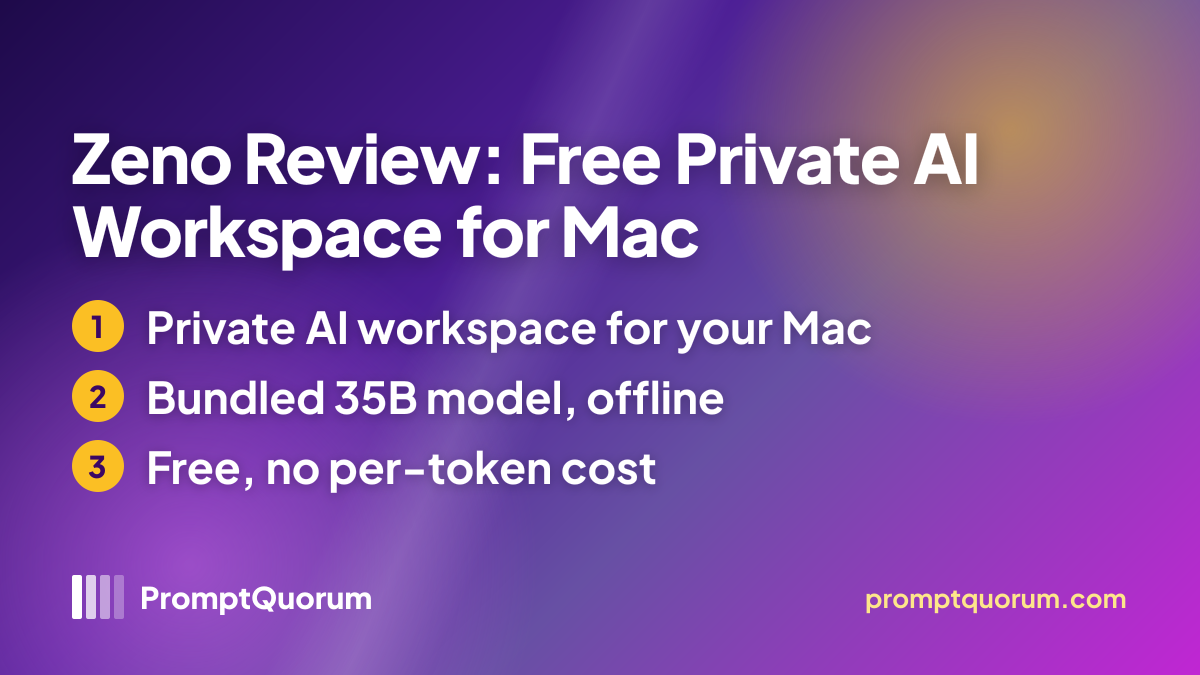
The page says a 35-billion-parameter model ships inside the download, "pruned and tuned by Icosa", and does not name it. The Terms of Use state that Zeno runs models from the Qwen family by Alibaba Cloud under the Apache License 2.0 and is built on the open-source opencode project under the MIT License. Icosa also runs LMShop, a separate web platform for training custom models that, per Icosa, can be run in Zeno.
Get It
Zeno is a free download for Mac from the Icosa website; no Windows, Linux, iOS or Android build is listed.
Option | How to get it |
|---|---|
| Mac | Download Zeno for Mac, free, Apple Silicon only |
| Price | $0 per token, no rate limits, no paid plan listed |
| Website | icosa.co/zeno |
| Terms of Use | icosa.co/terms |
| Privacy policy | No separate page found; section 5 of the Terms of Use covers privacy |
| Source code | No public repository found |
No version number is published. The installer behind the download button was last modified on 22 October 2026 per the download server and is about 376 MB, while the page states an 18 GB download that includes the model; PromptQuorum did not download it, so how the model arrives is unverified.
Requirements
Zeno needs an Apple Silicon Mac with 16 GB of RAM or more and a large amount of free disk space.
Chip and memory
- What the sources say:
- Apple Silicon, 16 GB of RAM or more
Download
- What the sources say:
- 18 GB, including the AI model
Disk space
- What the sources say:
- About 45 GB free during setup, about 25 GB afterwards
macOS version
- What the sources say:
- Not stated on the page
Internet
- What the sources say:
- Needed for the download; the page says Zeno works with the network off
Speed
- What the sources say:
- Typically 20 to 50 tokens per second, depending on memory and open apps
The page does not say which Mac models reach that speed, and the manifesto admits that Zeno "might feel slow at first" because a 35B model is fitted onto a regular MacBook.
Features Confirmed by the Sources
Every item below comes from the Zeno page or the Terms of Use; none has been tested.
- File work. Zeno reads your files and drafts and edits documents with you; the page names contracts, spreadsheets and code as examples.
- Long agent tasks. Agent tasks can run "as long as the work requires", with no cloud service in the loop.
- Permission prompts. The Terms say you decide what Zeno may do through permission prompts, and that some modes reduce how often it asks.
- Learning from your files. Icosa says Zeno adapts once you point it at your files, and the manifesto says the model weights change as you use it; no mechanism is documented.
- No model picker. The page says there is no model to pick; how a custom LMShop model or a requested model download fits in is not documented.
Data Flow and Privacy
The Terms of Use, effective 18 August 2026, say Zeno processes your files and chats on your computer and that by default they never leave your machine. The app connects to the internet only to check for updates (sharing the app version and nothing else), to download a model or tool you request, and when you ask it to fetch something from the web. The Terms add that the Icosa website uses standard analytics while the app contains none.
The Terms also describe what Zeno can do locally: when you allow it, the AI can read, create, change and delete files and run commands on your machine. They tell users to review important outputs, keep backups and be careful with modes that reduce how often Zeno asks before acting, and they disclaim warranties and liability for data loss.
📌Note: These are Icosa's declarations, not audit results. No source code is published and PromptQuorum has not inspected the app's network traffic. The manifesto's statement that Icosa "physically can't" look at your data is the company's own claim, and no separate privacy-policy page was found.
Who Should Use It
- Mac owners with 16 GB or more who want a private assistant for documents and code and accept a very large download.
- People who prefer processing on their own machine and are willing to read the permission settings before letting an agent change files.
- Users tired of per-token billing who want a free local alternative and can accept an early-stage product.
What We Could Not Verify
- Output quality. Icosa says a pruned 35B model works "the way you expect a frontier one to"; PromptQuorum ran no tasks, and the page publishes no benchmark.
- Speed. The 20 to 50 tokens per second figure is Icosa's and depends on the Mac; it is untested here.
- Offline use. PromptQuorum did not test Zeno with the network off or inspect its traffic.
- Self-learning. How the model learns from your files, and how to reset it, is not documented anywhere PromptQuorum found.
- Version, licence and source. No version number, no software licence beyond the Terms of Use and no source repository were found.
Competitors and Alternatives
Atomic Bot
- Platforms:
- Mac, Windows, Linux, iOS, Android
- Price / license:
- Free app (MIT) / paid cloud option
- Key difference:
- Packages the OpenClaw agent stack; runs locally or in the cloud and can use API models
Articles about Atomic Bot (1)
- Atomic Bot Review: A Packaged OpenClaw Agent App, Free Locally or Paid in the CloudUpdated September 12, 2026
Also mentioned in:
- Local Chat Apps & Assistants Compared (2026): Desktop, Mobile, Self-Hosted, Assistants and RoleplayUpdated September 20, 2026
- NVIDIA Project G-Assist Review: On-Device RTX AI Assistant, Requirements, and SetupUpdated September 12, 2026
- Atomic Chat Review: Local AI, Agents, and APIUpdated September 5, 2026
Msty Go
- Platforms:
- Mac, Windows, Linux
- Price / license:
- Freemium / closed source
- Key difference:
- Multi-step task agent that works with local or cloud models
Articles about Msty Go (3)
- Msty Go Review: Msty's Local-First AI AgentUpdated September 3, 2026
- Local Coding Assistants, Agents & Workflow Tools Compared (2026): IDE Plugins, Agent Frameworks and Autonomous AgentsUpdated September 21, 2026
- Msty Review: Local + Cloud Chat in One Desktop AppUpdated September 5, 2026
Also mentioned in:
- PhoneClaw Review: The On-Device iPhone AI AgentUpdated September 12, 2026
- Enchanted Review: Native macOS/iOS Ollama ClientUpdated September 5, 2026
LocalGhost
- Platforms:
- Linux server, Android app
- Price / license:
- Free / MIT
- Key difference:
- Open-source personal AI server you host on a Debian machine
Articles about LocalGhost (1)
- LocalGhost Review: A Personal AI Server You Host YourselfUpdated October 24, 2026
Compare current price, license and platforms on each app's own page before choosing; none of these was tested against Zeno.
Frequently Asked Questions
Can I use Zeno at work or for confidential files?
The Terms of Use put responsibility for what Zeno does on the user, ask that it be used only with content you have the right to process, and disclaim liability for data loss. Check your employer's rules and keep backups; PromptQuorum has not assessed Zeno against any compliance regime.
Does Zeno run on Windows, Linux or an Intel Mac?
The sources list only a Mac download and name an Apple Silicon Mac as the requirement; no other platform and no Intel support is mentioned.
Who makes Zeno?
Icosa Computing, a New York company; its CEO Mert Esencan signs the Icosa Manifesto on the Zeno page. Icosa also publishes research on Combinatorial Reasoning, which it says it uses when training and selecting models.
How do I report a bug or reach the team?
The Zeno page lists a community Discord, a feedback address (info@icosacomputing.com) and a demo-booking link.
Verdict
Zeno is a recent, free attempt to package a large local model and a file-working agent into one Mac download, with clear hardware demands and a plain Terms of Use that describes what the agent may do on your machine. Against that, PromptQuorum found no source repository, Icosa publishes no version number, the product dates from August 2026, and none of its speed, quality, offline or learning claims was tested here. It suits Apple Silicon owners with 16 GB or more who want to try a private assistant and will read the permission settings and keep backups; anyone who needs documented compliance or a verified build should wait for independent testing.
Sources
- Zeno page — product description, requirements, figures and manifesto, checked 24 October 2026.
- Zeno Terms of Use — effective 18 August 2026; privacy, permissions and open-source notices.
- Icosa Computing — FAQ with the release date of 19 August 2026, checked 24 October 2026.
- Download server response headers — installer size and last-modified date (22 October 2026), checked 24 October 2026.