What Is DiffusionBee?
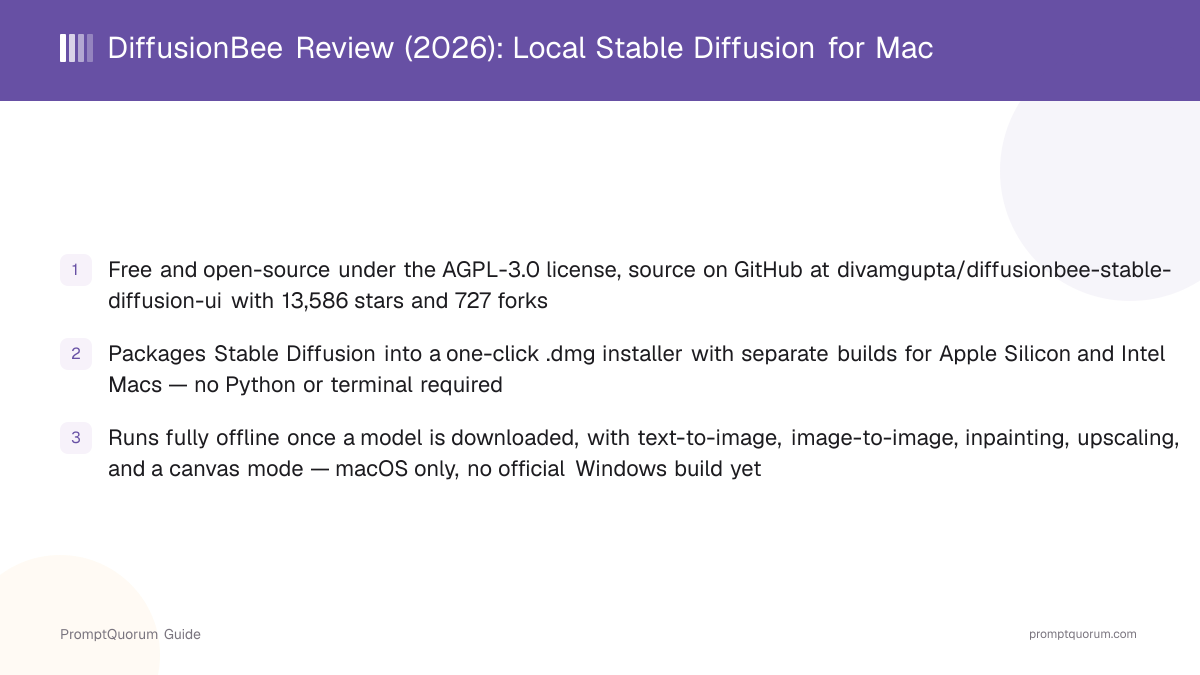
DiffusionBee is a free, open-source macOS application (AGPL-3.0, source at github.com/divamgupta/diffusionbee-stable-diffusion-ui) that wraps Stable Diffusion image generation in a native-feeling graphical app. You download a .dmg file, install it like any other Mac application, and generate images from a text prompt without installing Python, a package manager, or any command-line dependency.
- Text-to-image: generate an image from a written prompt, the app's core function
- Image-to-image: transform an existing image using a new prompt as guidance
- Generative fill (inpainting): mask part of an image and regenerate just that region, e.g. to add or remove an object
- Image upscaling: increase the resolution of a generated or imported image
- Image variants: generate alternate versions of an existing image
- Model training: DiffusionBee's site lists a training feature for custom/fine-tuned models
- Control images: guided generation using a reference image's structure
- AI canvas: an open-ended canvas mode for combining generation and editing in one view
How Much Does DiffusionBee Cost?
DiffusionBee is free. As of this review, diffusionbee.com has no pricing page, no subscription tier, and no account requirement to download or run the app.
- The app itself: free, no purchase or subscription found on the official site or in the GitHub repository
- No account required to download the
.dmginstaller or generate images locally - Generated images: the underlying Stable Diffusion model DiffusionBee bundles carries its own separate model license (CreativeML Open RAIL-M for the Stable Diffusion checkpoints commonly distributed this way); review that license's usage terms directly rather than assuming unrestricted commercial use
- The app's own source code is licensed AGPL-3.0 — distinct from the model license above, and worth reading before redistributing a modified build of the app itself
Download DiffusionBee for Mac
This review is a companion to DiffusionBee's entry in the Local LLM Software Directory — check the directory for how it's classified alongside other local image-generation tools. Direct download links below are from the official diffusionbee.com/download page; always confirm you're on the official domain before downloading a .dmg file.
Platform | Download |
|---|---|
| macOS — Apple Silicon (M1/M2/M3) | DiffusionBee_MPS_arm64-2.5.1.dmg |
| macOS — Intel 64-bit | DiffusionBee_MPS_Intel-2.5.1.dmg |
| Windows 64-bit | Waitlist only — no direct download available (via diffusionbee.com) |
diffusionbee.com's download page currently links to build 2.5.1 installers, while GitHub's own Releases page lists 2.5.3 (August 14, 2024) as the latest tagged release. Confirm the version shown in-app after installing, and check both pages directly before downloading — build links can change between visits.
Platform Support and Hardware Requirements
DiffusionBee runs on macOS only. The official site lists macOS 13.1 or later as the minimum system version, with Apple Silicon (M1, M2, M3, and newer) recommended for speed and Intel Macs supported but noticeably slower without dedicated graphics.
macOS (Apple Silicon)
- Support level:
- Full, recommended
- Notes:
- Dedicated arm64 build; diffusionbee.com states this is the fastest configuration
macOS (Intel)
- Support level:
- Supported
- Notes:
- Dedicated Intel build; diffusionbee.com notes it runs noticeably slower without dedicated graphics
Windows
- Support level:
- Waitlist only
- Notes:
- No official direct-download build as of this review — a Google Form waitlist is the only listed option
Linux
- Support level:
- Not offered
- Notes:
- No Linux build is listed on diffusionbee.com or in the GitHub releases
diffusionbee.com's own marketing copy states an image generation takes roughly 30 seconds on an 8 GB M1 MacBook Air — that figure comes from DiffusionBee's own site, not independent testing by this review, and actual generation time depends on the image size, model, and settings you choose.
Who Should Use DiffusionBee?
DiffusionBee fits Mac users who want local Stable Diffusion generation without learning a node graph or command-line tool. It is a poor fit for anyone on Windows or Linux, or anyone who needs the deep pipeline control that ComfyUI or AUTOMATIC1111 offer.
Use DiffusionBee if
- You use a Mac and want to generate images locally without installing Python or a package manager
- You want a graphical, point-and-click interface rather than a node graph or web UI with dozens of settings
- You value running everything offline on your own hardware once the app and a model are downloaded
- Your needs match the built-in feature set — text-to-image, image-to-image, inpainting, upscaling, and variants — without needing custom nodes or extensions
Avoid DiffusionBee if
- You use Windows or Linux — DiffusionBee has no Windows build (waitlist only) and no Linux build at all; ComfyUI or AUTOMATIC1111 support all three major platforms
- You need a visual node-graph workflow you can save, share, and reuse across projects — that is ComfyUI's core design
- You want the largest ecosystem of community extensions and custom scripts — AUTOMATIC1111 has the longest-running extension ecosystem of the group
- You want the newest tagged release actively maintained — DiffusionBee's latest GitHub release is from August 2024, so verify current compatibility with newer Stable Diffusion checkpoints before relying on it
Competitors and Alternatives
DiffusionBee competes directly with three other Stable Diffusion front-ends this site has reviewed. All four run diffusion models locally; they differ mainly in platform support, configurability, and how much setup they require.
Tool | Platforms | Interface | Best For |
|---|---|---|---|
| DiffusionBee | macOS only | Packaged GUI app | Mac users who want zero setup |
| ComfyUI | Mac/Win/Linux | Node-graph editor | Reusable, shareable pipelines |
| Fooocus | Mac/Win/Linux | Simplified web UI | Simple prompts, minimal settings |
| AUTOMATIC1111 | Mac/Win/Linux | Tab-based web UI | Largest extension ecosystem |
DiffusionBee is the only one of these four that ships as a packaged native Mac app with no Python setup required — the other three run as local web servers you start yourself and reach through a browser, and all three support Windows and Linux, which DiffusionBee does not.
Common Mistakes When Evaluating DiffusionBee
These mistakes come from expecting DiffusionBee to behave like a cross-platform, deeply configurable tool rather than the packaged, Mac-only app it actually is.
Mistake 1: Assuming a Windows build exists
diffusionbee.com lists Windows only as a waitlist sign-up, not a downloadable build. If you need Stable Diffusion on Windows today, ComfyUI, Fooocus, and AUTOMATIC1111 all ship working Windows builds.
Mistake 2: Confusing the app's AGPL-3.0 license with the underlying model's license
DiffusionBee's own source code is AGPL-3.0 licensed. The Stable Diffusion model checkpoint it runs carries its own separate model license (typically CreativeML Open RAIL-M), which governs what you can do with generated images — check that license directly rather than assuming the app's code license covers image usage rights too.
Mistake 3: Treating the ~30-second generation time as a universal benchmark
The 30-second figure on diffusionbee.com is specific to an 8 GB M1 MacBook Air with the site's own settings — it is not this review's own benchmark, and generation time on your machine will vary by model, resolution, and settings.
Frequently Asked Questions
Is DiffusionBee free?
Yes. DiffusionBee is free and open-source under the AGPL-3.0 license, with no pricing page, subscription, or account requirement found on diffusionbee.com as of this review.
Does DiffusionBee work on Windows or Linux?
No shipped build for either. diffusionbee.com lists Windows as waitlist-only (not yet released), and there is no Linux build listed on the official site or in the GitHub releases.
Do I need a GPU to run DiffusionBee?
DiffusionBee runs on Apple Silicon or Intel Macs using the Mac's own graphics — there is no separate discrete-GPU requirement beyond having a supported Mac, though Apple Silicon is recommended for speed and Intel Macs run noticeably slower per diffusionbee.com.
How many GitHub stars does DiffusionBee have?
The divamgupta/diffusionbee-stable-diffusion-ui GitHub repository has 13,586 stars and 727 forks, verified via the GitHub API in September 2026.
Is DiffusionBee still maintained?
The repository is not archived, but its latest tagged GitHub release is 2.5.3 from August 2024, with no newer tagged release since. Check the GitHub repository directly for current activity before relying on it for a production workflow.
What license is DiffusionBee released under?
The DiffusionBee app's source code is licensed under AGPL-3.0 (GNU Affero General Public License v3.0), per its GitHub repository. The Stable Diffusion model it runs carries a separate model license that governs generated-image usage.
How is DiffusionBee different from ComfyUI, Fooocus, and AUTOMATIC1111?
DiffusionBee is a packaged native macOS app with no setup required, while ComfyUI, Fooocus, and AUTOMATIC1111 all run as local web servers you start yourself, and all three support Windows and Linux in addition to Mac. ComfyUI adds a node-graph workflow editor; AUTOMATIC1111 has the largest extension ecosystem; Fooocus targets the simplest prompt-in, image-out workflow.
Who created DiffusionBee?
Divam Gupta created the divamgupta/diffusionbee-stable-diffusion-ui GitHub repository, first created in September 2022.